Dane Poyzer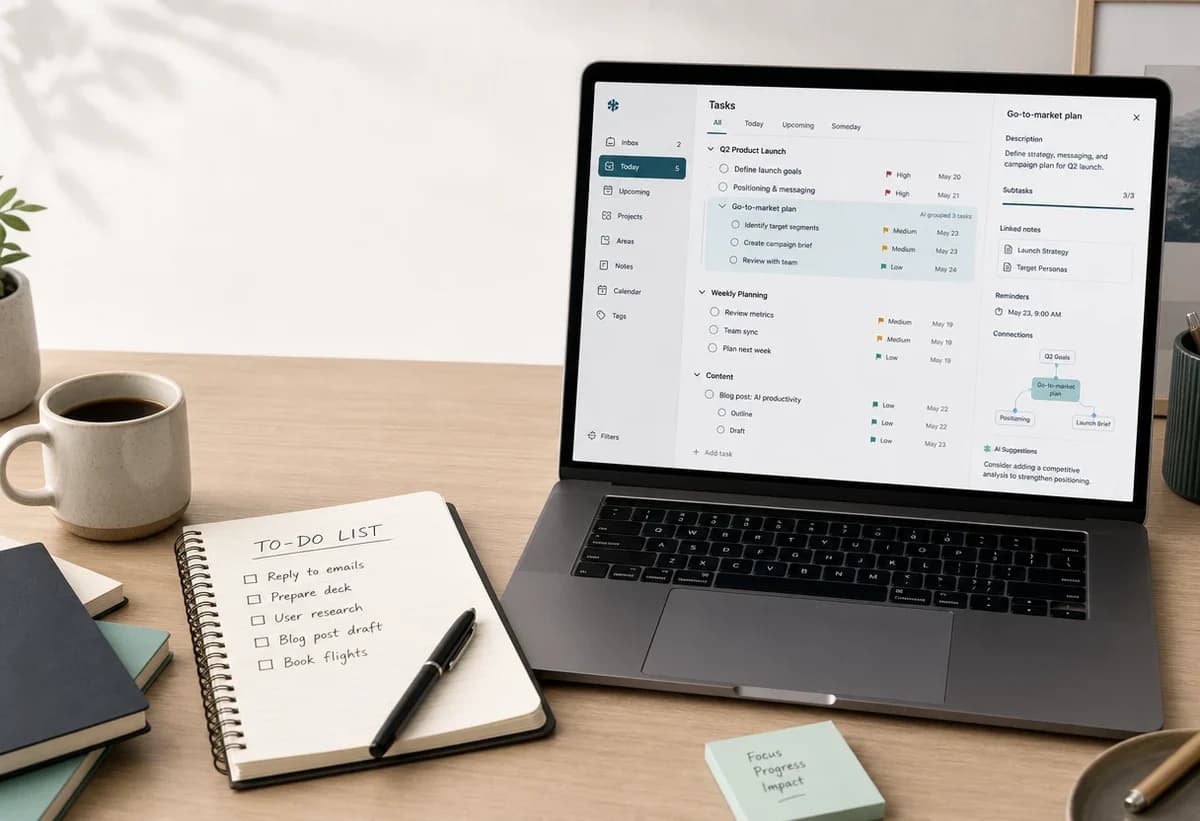
On this page7 sections
A normal to-do list is still useful. If you need to remember "buy milk", "reply to Sam", or "send the invoice", a simple list can be enough. The question changes when your list stops being a list of clear actions and becomes a pile of vague work, half-decisions, notes, reminders, and projects pretending to be tasks.
That is where the AI task manager vs to-do list question becomes practical. The point is not whether AI sounds more advanced. The point is whether your system can turn too many tasks into clear next actions you can trust.
When a simple to-do list is enough
A simple to-do list works best when the task is already clear.
Use one when:
- The task can be done in one step.
- You do not need supporting notes or context.
- The deadline is obvious or low-stakes.
- The order does not matter much.
- You are tracking errands, quick reminders, or a short daily list.
If your list is mostly "call dentist", "pay bill", and "book train tickets", you probably do not need an AI task manager. You need a place you will actually check.
Where to-do lists start to break down
To-do lists struggle when the work is not obvious yet.
A line like "launch new website" looks like one task, but it contains research, copy, design, review, publishing, redirects, analytics, and follow-up. A line like "sort finances" might include notes, missing information, deadlines, documents, and decisions.
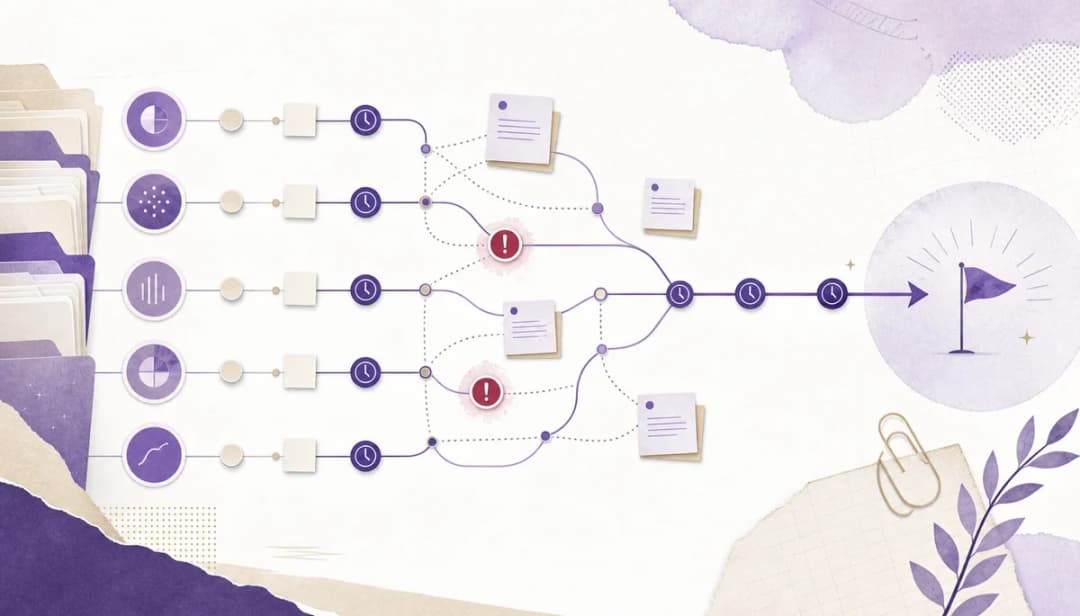
This is where people end up with task overwhelm. The list is technically full of tasks, but it does not tell you what to do next.
Common signs a to-do list is not enough:
- You keep rewriting the same task because it is too vague.
- You avoid a project because the first step is unclear.
- Notes and decisions live somewhere separate from the task.
- You cannot see which tasks are blockers.
- Everything looks equally urgent.
- You need reminders, estimates, or recurring steps, but they are not connected to the work.
If the real problem is a vague project, start with the AI task breakdown workflow or the manual guide to breaking down large tasks.
What an AI task manager should actually do
An AI task manager should not just produce a clever answer. It should help you turn unclear work into a structure you can keep using.
Useful AI task manager features include:
- Breaking broad tasks into subtasks.
- Extracting action items from notes or a brain dump.
- Suggesting next actions when the first step is unclear.
- Helping estimate effort or spot missing work.
- Keeping the output as durable tasks, not a one-off chat response.
That last point matters. AI can suggest a plan in a chat window, but if the plan does not become tasks, notes, priorities, deadlines, and reminders, you still have to manage the work somewhere else.
AI task manager vs to-do list: the practical comparison


For simple errands, a to-do list wins. It is fast and lightweight.
For a brain dump, an AI task manager is stronger because it can extract action items and group related work. The brain dump to task list workflow is a good example of that shift.
For large projects, an AI task planner helps by creating a first draft of the structure. You still need to review it, but you are no longer starting from a blank page.
For task paralysis, the useful feature is not magic motivation. It is getting from "this is too much" to one small next action. If that is the main problem, the guide to ADHD task paralysis covers the first-step angle in more detail.
For prioritization, AI can help surface options, but the system still needs priorities, deadlines, reminders, and context. Otherwise, you are just sorting a messy list in a different way. The article on task prioritization myths explains why perfect ordering is not the goal.
Why AI alone is not enough
AI is most useful at the messy front end of planning: turning notes into possible tasks, splitting broad work into steps, or suggesting a next action.
But AI alone is not a task system.
You still need somewhere to:
- Store the plan.
- Attach notes and context.
- Mark blockers and dependencies.
- Set deadlines and reminders.
- Track what changed.
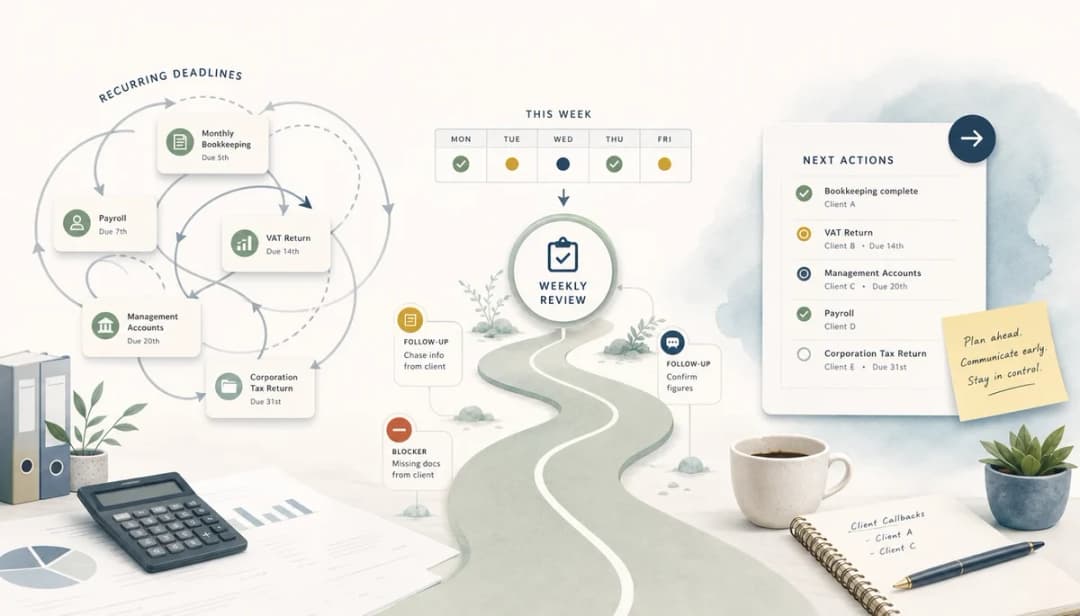
- Keep recurring work from being recreated every week.
The best setup combines AI help with durable structure. That way, the useful output does not disappear after the conversation ends.
How dypt fits
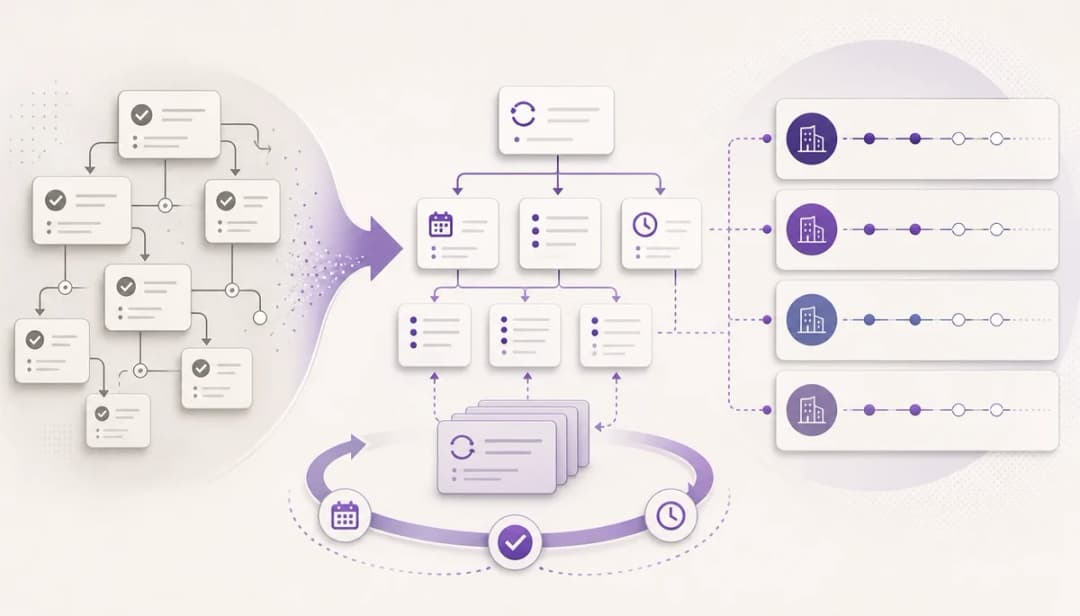
dypt is built for people whose work does not fit neatly into a flat list. You can keep the parent task, the subtasks, notes, priorities, deadlines, reminders, and estimates connected in one place.
The AI features help when the work is vague. The hierarchy helps after the AI has done its first pass. You can accept useful suggestions, delete weak ones, add missing context, and keep refining the task tree as the work changes.
That makes dypt different from a simple AI to-do list generator. The goal is not just to generate tasks. It is to turn messy work into a source of truth you can return to.
How to choose
Use a simple to-do list if your tasks are clear, short, and low-context.
Use an AI task manager if your work is vague, multi-step, high-context, or often overwhelming.
Use dypt if you want AI task breakdown plus nested tasks, notes, priorities, deadlines, reminders, and a durable structure for the work after the first draft is created.
If you want to try that workflow, start using dypt or learn more about dypt's AI features.
A useful AI task planner should make AI task breakdown feel practical rather than abstract. It should help you move from a broad goal to a reviewed task tree, then keep that task tree available after the first AI task breakdown is finished.
That is the practical line between a basic list and an AI task planner: the AI task planner helps create the structure, while the task system keeps it usable. If AI task breakdown creates useful subtasks, those subtasks need somewhere durable to live. A good AI task planner should also leave you with a next action you can trust.