Dane Poyzer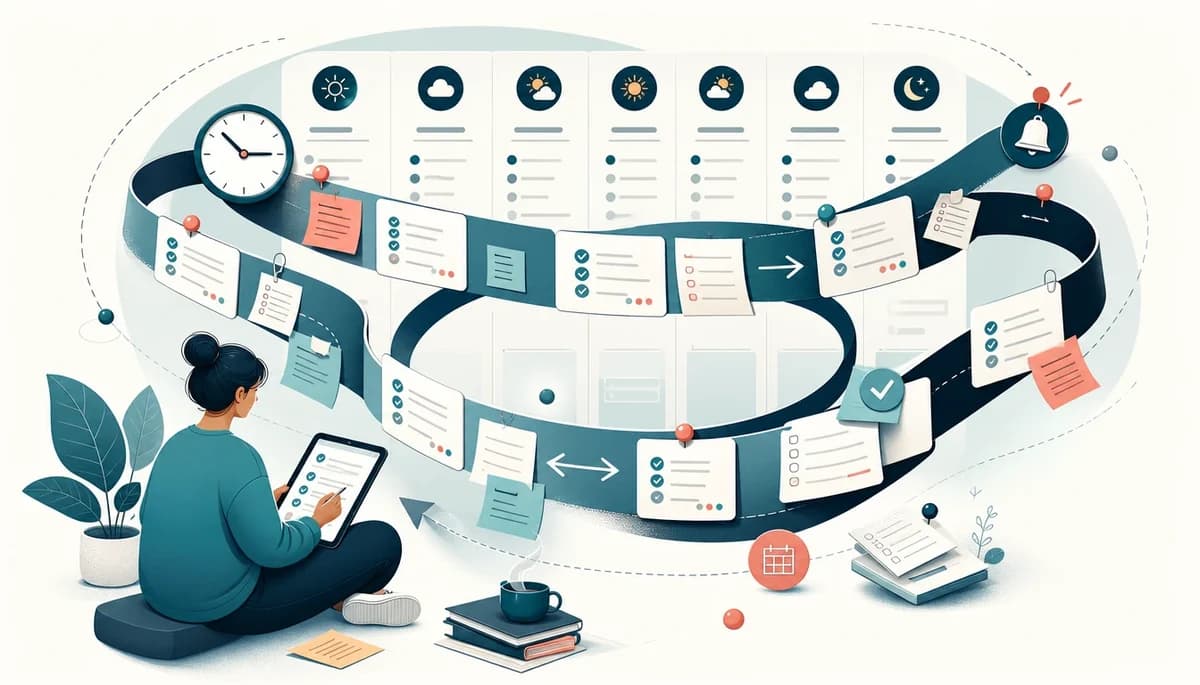
On this page7 sections
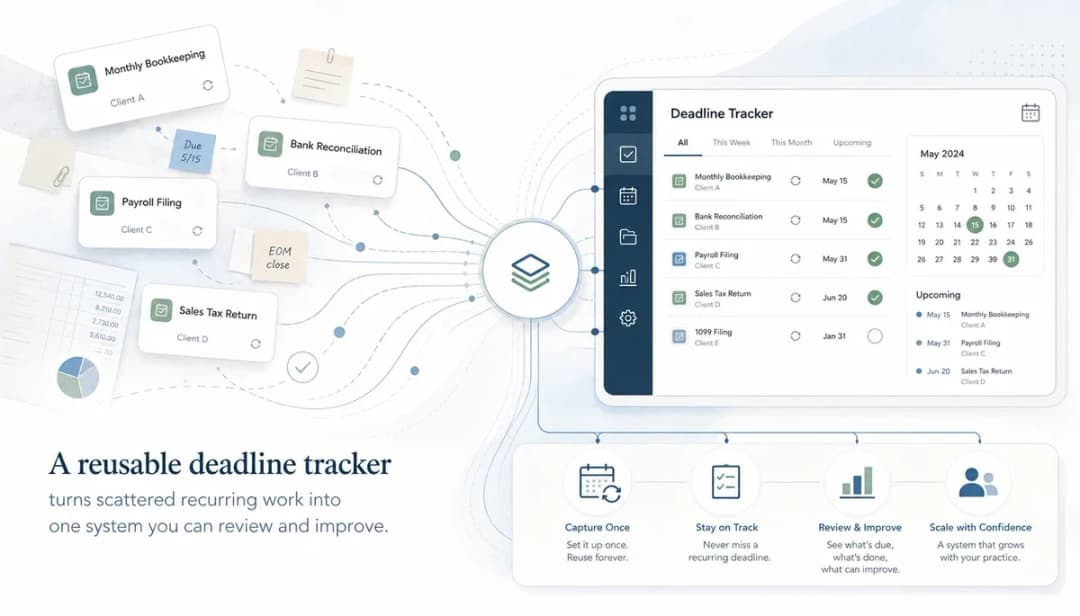
Why does your week keep feeling like a reset, even when the same jobs come back every time? If you keep rebuilding the same checklist every Monday, the problem is often not effort. It is that the work repeats, but your system does not.
Repeating tasks are tasks that return on a schedule, so you do not have to remember them from scratch. They still matter because routines, reviews, chores, admin, follow-ups, and planning rituals are much easier to keep up when the structure already exists.
At a glance
- What it is: a way to turn repeating tasks into a repeatable system instead of a fresh memory test each week.
- Who it helps: anyone managing weekly planning, home admin, client work, team routines, or ADHD-related task paralysis.
- Core idea: once you know work repeats, you should capture it once and let the schedule bring it back when needed.
- Best use case: daily resets, weekly reviews, recurring chores, meeting prep, regular reports, and reusable project checklists.
Why recurring work still falls apart
People have used diaries, rota sheets, wall planners, and calendar repeats for years to keep regular work visible. The basic idea is not new: if something happens again and again, you should not need to recreate it from memory.
The modern version is better in some ways, but it often has the same weakness. Many digital tools can schedule repeating tasks, yet still reduce them to a flat reminder with very little context.
The schedule comes back, but the context often does not.
How recurring tasks actually work
A recurring task is a standing agreement with your future self that a piece of work will return when it should. Instead of trusting memory, you decide once that the task repeats and let your system bring it back.
That repeat can be daily, weekly, monthly, yearly, on specific weekdays, or on selected dates and months. The right pattern depends on the work, not on what feels easiest to click.
There is also a useful difference between a reminder and real task recurrence. A reminder nudges you at a certain time, while a repeat task can recreate the actual work with its notes, subtasks, timing, and other details attached.
That matters because repeating work is rarely just one line. A weekly review, for example, may need a checklist, rough time estimate, priority, reminder, and a deadline that makes sense for the next round.
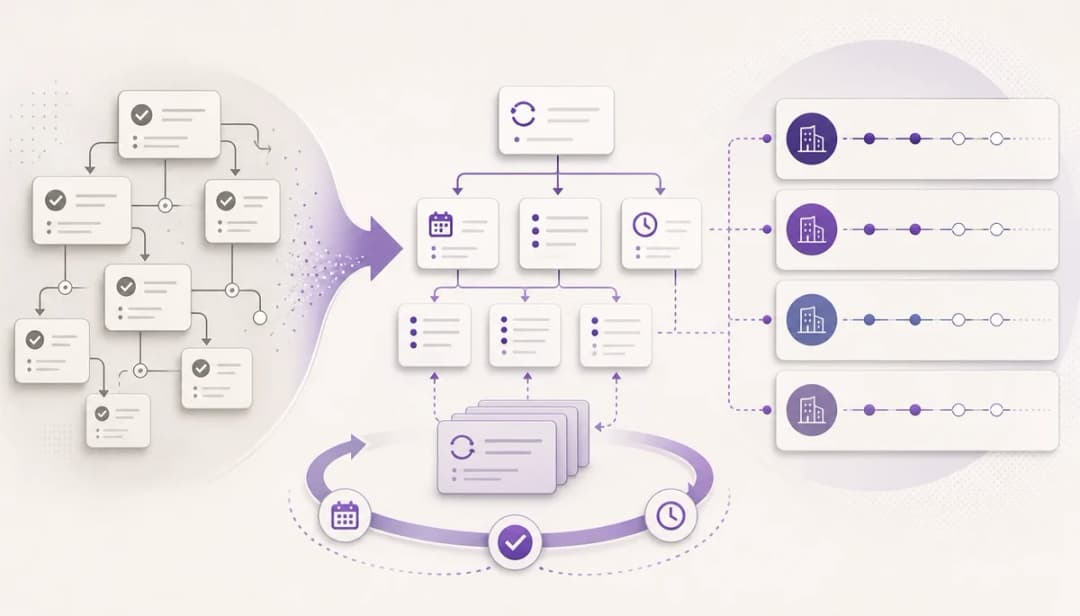
It helps to think in terms of a template and an instance. The original task acts like the repeat template, while each scheduled copy becomes the instance you actually complete.
This also works inside larger routines. You might have one parent task called weekly review that repeats every Friday, with reusable subtasks underneath for clearing your inbox, checking deadlines, and planning your top priorities.
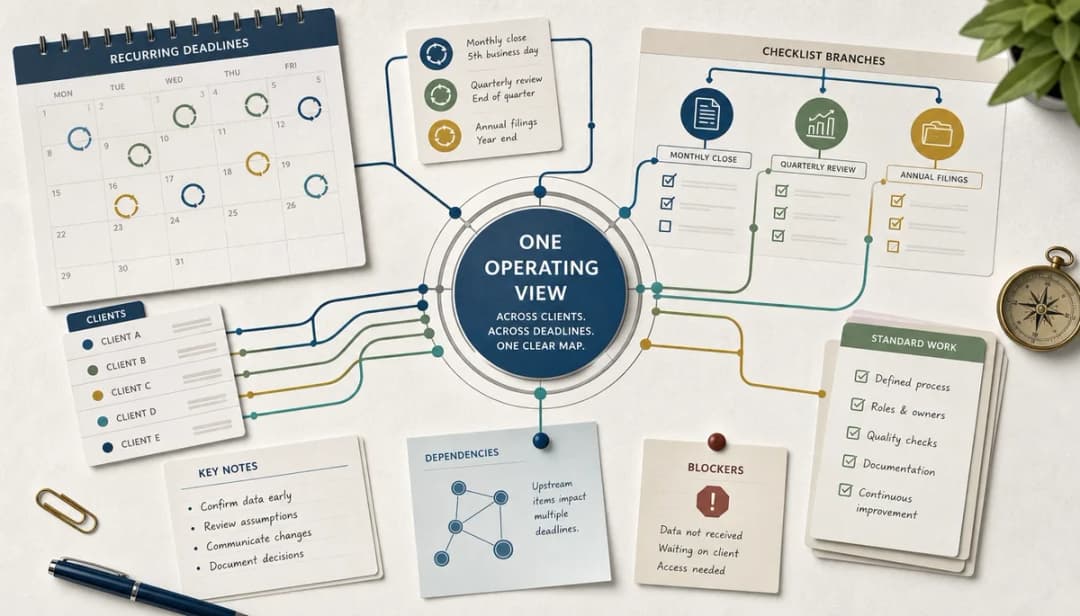
Good systems tie task recurrence to the rest of planning. When repeat tasks also carry priorities, deadlines, reminders, estimates, and status, it becomes much easier to decide what matters now.
Strengths and limitations
| Strength | Limitation | What to watch for |
|---|---|---|
| Stops you recreating the same work every week | Can create clutter if too many low-value tasks repeat | Review old recurring items and delete what no longer earns space |
| Makes routines more reliable | Easy to set and then ignore | Pair recurrence with reminders, priorities, or a weekly review |
| Preserves context through notes and subtasks | Some tools flatten repeating tasks into simple reminders | Choose a setup that keeps structure, not just dates |
| Helps you plan time more realistically | Repeated tasks can still be underestimated | Add rough estimates and compare planned time with real time |
| Works well for shared home or team routines | Ownership can become fuzzy in shared systems | Be clear about who does what and when it rolls over |
| Reduces start-up friction | Not every task should repeat forever | Treat recurrence as a system to maintain, not a set-and-forget list |
Where dypt fits as a recurring task manager
dypt is a good fit when your repeat routines are not just single lines, but small systems with subtasks, notes, reminders, priorities, and estimates. If your routine has real structure, a fuller recurring task manager can save you from rebuilding that structure every week.
dypt can repeat tasks daily, weekly, monthly, or yearly, including specific weekdays, monthly dates, and selected months. In the repeat setup, you can choose whether subtasks, priorities, notes, and deadlines are copied into each new task.
That carry-forward part is the useful bit. If your weekly planning checklist needs the same steps every time, you can keep the shape of the task instead of recreating it by hand.
dypt also supports deadline roll-forward. In plain English, that means a repeated routine can move relative deadlines forward for the next copy instead of leaving old dates stuck to new work.
A couple of smaller details help more than you might expect. Date suffixes make each repeated copy easier to identify, and hide-old behaviour can keep previous instances from cluttering your task tree.
You can also choose where repeated tasks are saved. That means a recurring checklist can stay under the same parent task, or be placed somewhere else that makes more sense for your planning flow.
That said, dypt is not always the right answer. If you only need a basic calendar ping, a simpler reminder tool may be enough.
If you want repeating tasks to stay connected to a fuller plan, start with Recurring tasks. If you also need help deciding what matters now, look at Priorities, deadlines, and reminders.
A simple setup you can copy
- Weekly review
- Parent task: Weekly review
- Repeats every Friday afternoon or Sunday evening
- Include subtasks, notes, priorities, and deadlines in each repeat
- Roll deadlines forward so next week’s checklist has next week’s dates
- Add a date suffix so each copy is easy to spot
- Hide old repeats if you only want the current review visible
- Subtasks: clear inbox, check deadlines, plan top three priorities, reschedule loose tasks, prep Monday start
- Estimate: 30 minutes
- Reminder: one hour before


- Optional reuse
- Copy the routine for a partner, flatmate, or team
- Keep one source of truth instead of rewriting the checklist each time
Wrapping up
Use task recurrence when the work is predictable enough to repeat, but important enough that you do not want to rely on memory. It gives you consistency, reduces start-up friction, and makes weekly planning feel less like starting from zero.
The trade-off is that repeating tasks still need maintenance. If you review the system and keep it lean, it can support your routine without filling your list with stale admin.
If your routines have real structure, build one weekly checklist you no longer have to recreate and start using dypt for free.