Dane Poyzer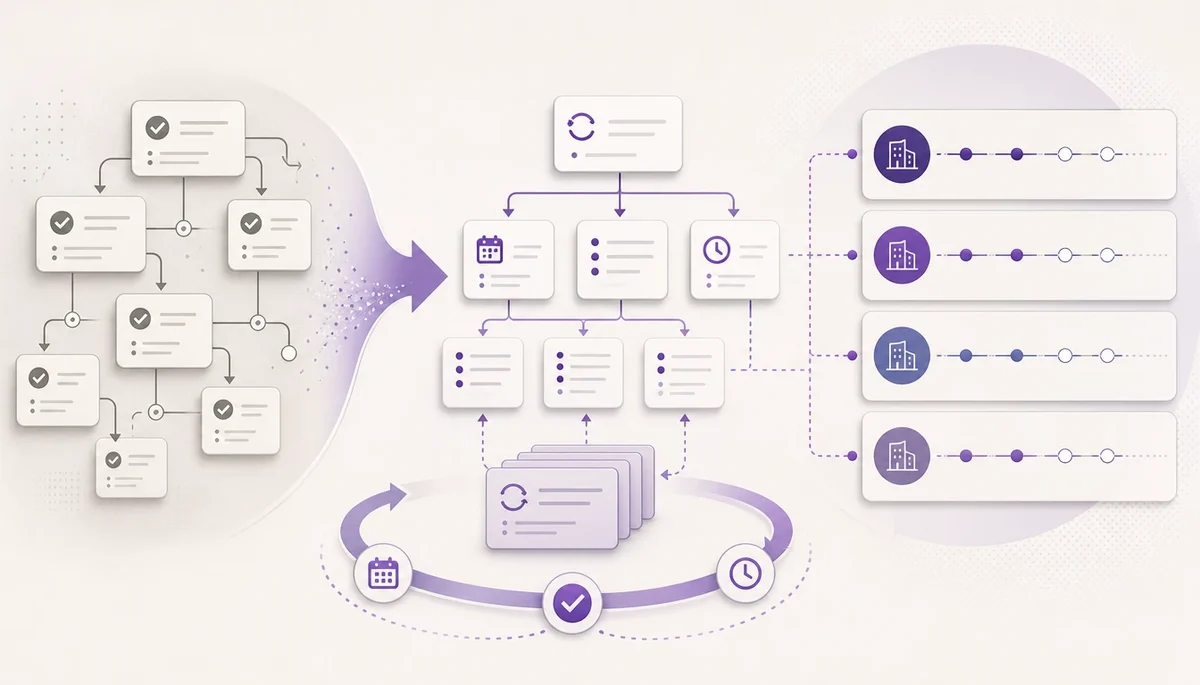
On this page9 sections
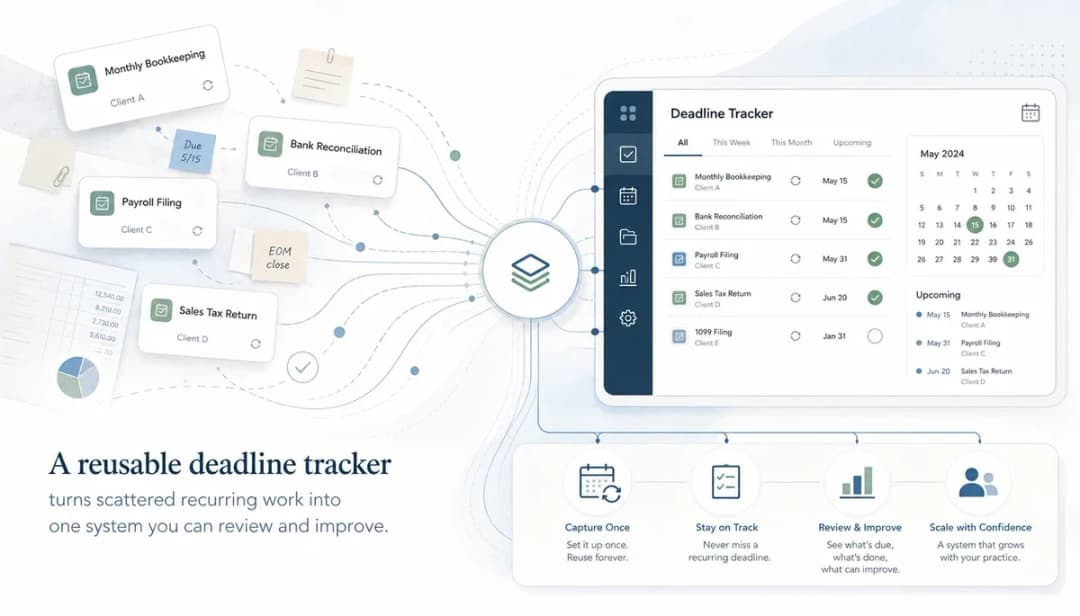
A recurring deadline tracker should not only help you get through the current week. If the same client work comes back every month, quarter, or year, the system should get better each time you use it.
That is the real payoff of workflow software for accounting firms. You are not just recording tasks. You are building reusable operating structure for payroll checks, reporting packs, return preparation, management accounts, client chases, annual workflows, and all the other repeated work that can otherwise become a fresh scramble every cycle.
Good workflow software for accounting firms should make that improvement practical, not theoretical.
This is the final guide in the Managing recurring accounting deadlines series. Part 1 covered why a portfolio view matters, Part 2 showed how to build the tracker, Part 3 covered the weekly review, and Part 4 covered notes and dependencies for blocked work. This guide is about rolling recurring client work forward without starting again.
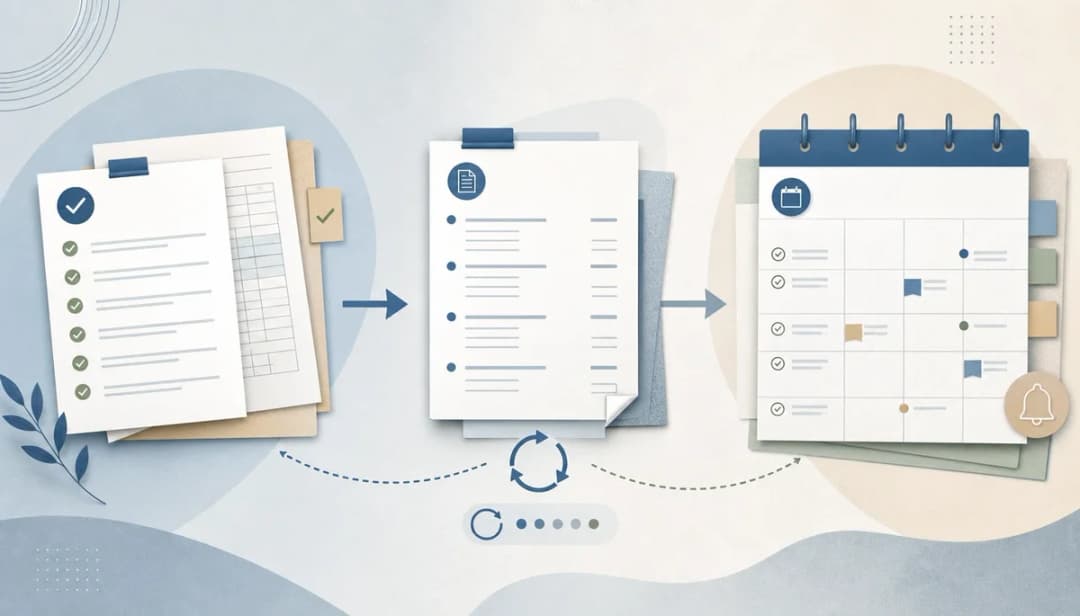
1. Separate completed work from reusable structure
After a deadline is met, it is tempting to leave the task tree exactly as it is and copy it later. That works once or twice, but it slowly fills your future process with stale details.
Separate two things:
- The completed work record: what happened this cycle, what was checked, what was chased, and what decisions were made.
- The reusable structure: the task tree, note templates, dependencies, deadline offsets, and review steps that should exist next time.
You usually want to keep the completed work for reference, but improve the reusable structure. Otherwise every future cycle inherits the same small frictions.
In dypt, this is where reusable task trees and recurring tasks fit naturally. You can preserve the shape of the process while treating each cycle as its own live piece of work.


2. Run a short closeout review before rolling forward
Do not wait a month to decide what should change. Run a short closeout review while the work is still fresh.
For each recurring workstream, ask:
- Which steps were missing?
- Which steps were unnecessary?
- Which client inputs arrived late?
- Which note template would have saved time?
- Which dependency was discovered too late?
- Which deadline or reminder was set too close to the final due date?
- Which task title was too vague during review?
This does not need to be a meeting-heavy process. It can be a five-minute review at the end of a recurring task branch. The key is that the learning gets captured before the next cycle starts.
This is also where accountants can avoid one of the biggest traps in recurring work: treating every deadline as a one-off event. If the work will return, the improvement belongs in the reusable system.
3. Update the reusable task tree while the pain is fresh
The best time to improve a checklist or workflow is just after it has been used. You know which parts were clear, which parts caused delays, and which parts were missing context.
Update the reusable task tree with practical changes:
- Add missing client-input steps.
- Rename vague tasks so the next action is obvious.
- Split oversized tasks that hid too much work.
- Remove steps that no longer help.
- Add review checkpoints where errors or queries appeared.
- Add reminders before the pressure point, not at the final deadline.
- Add dependencies where one branch really unlocks another.
This is where workflow software for accounting firms should feel different from a static spreadsheet. The system becomes a living structure that improves as the work repeats.


4. Use recurring tasks to create the next cycle automatically
Manual copying is useful when you are designing a process. It is less useful once the process is proven and repeats on a predictable schedule.
For stable recurring work, use dypt recurring tasks so the next instance can be created from the template structure on the schedule you define. That means the subtasks, setup, notes, and metadata can come forward without you rebuilding the same branch from scratch.
This is a good fit for:
- Weekly client follow-up reviews.
- Monthly reporting routines.
- Payroll checks.
- Quarterly return preparation.
- Annual client review workflows.
- Recurring internal practice routines.
The important point is that recurrence should create a fresh live task, not blur the old cycle and the new cycle together. You want last period's history to remain useful, while the next period starts with a clean working structure.
5. Carry forward the right notes, not every old detail
Notes are valuable, but stale notes can make recurring work noisy. The question is not whether to copy every note forward. The question is which notes should become reusable context.
Carry forward notes that explain durable process context:
- How to request a recurring client input.
- Where supporting material usually lives.
- What review checks should happen each cycle.
- Which dependency usually unlocks the next step.
- What wording helps with repeated client chases.
Do not carry forward notes that only describe a completed historical event unless they are needed for reference. A note saying the client sent a file last Tuesday is probably not reusable. A note template for requesting that file next cycle is useful.
This is why note templates are important. They let you turn repeated context into reusable structure without dragging every old comment into the next live cycle.


6. Keep dependencies and deadline offsets current
Dependencies and deadline offsets are easy to set once and forget. But recurring accounting work changes. Client processes change. Internal review habits change. New recurring blockers appear.
When rolling work forward, check whether the unlock sequence is still accurate:
- Does this task still depend on the same branch?
- Should a client-input step happen earlier?
- Is an internal review step too close to the filing or delivery date?
- Has a recurring blocker become predictable enough to add to the template?
- Does the weekly review need a clearer trigger for this workstream?
Small changes here can prevent a lot of future pressure. Moving a chase step three days earlier may matter more than adding a complicated new process.
7. Review the portfolio after the roll-forward
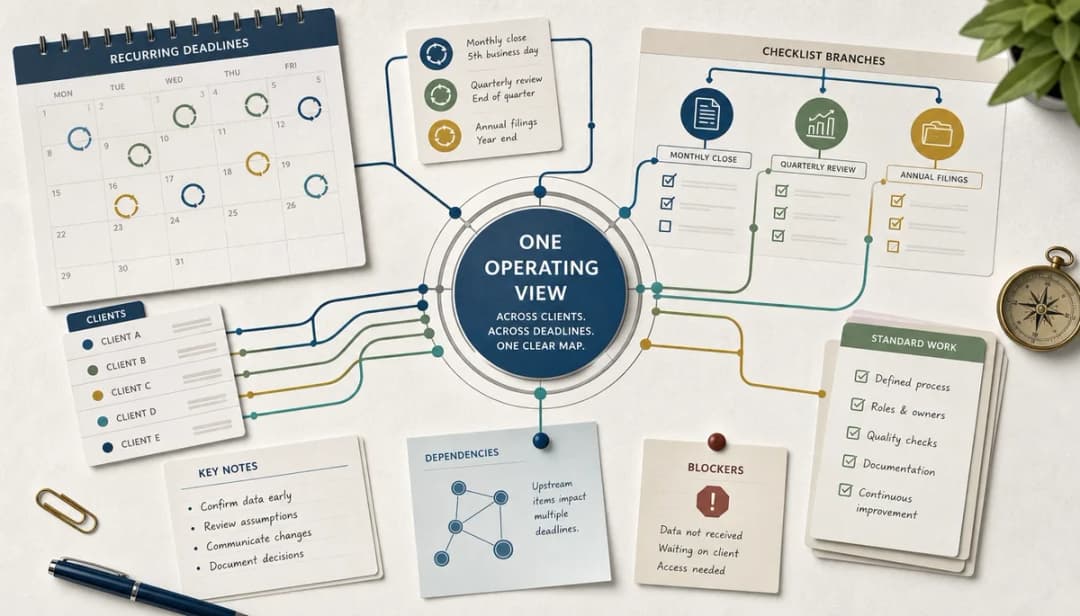
Once the next cycle exists, step back and look at the portfolio. This is where the campaign theme matters most: accountants do not need one perfect task list for one client. They need a reliable view across many recurring client commitments.
After rolling forward, check:
- What is due next across all clients?
- Which new tasks already have blockers?
- Which recurring workstreams have the most open loops?
- Which clients repeatedly need earlier input requests?
- Which internal routines need stronger review points?
That portfolio review is what turns recurrence into control. You are not waiting for the next deadline rush to reveal the problem. You are seeing the shape of the next cycle before it becomes urgent.
Wrapping up the series
Recurring accounting work will always involve deadlines, client inputs, review points, and surprises. The aim is not to remove all complexity. The aim is to stop rebuilding the same operating system every period.
Across this series, the pattern is simple:
- Use one portfolio view for recurring deadlines.
- Build a reusable tracker around real client work.
- Review it every week.
- Use notes and dependencies to make blocked work visible.
- Roll the structure forward so the next cycle starts better than the last one.
That is where lightweight workflow software for accounting firms can help. It gives you enough structure to see the work, improve the process, and keep recurring commitments moving without forcing every accountant into a heavy practice-management suite.
More resources
Start with the accountant deadline tracker if you want a copyable structure to adapt. You can also review the earlier guides in this series: Part 1, Part 2, Part 3, and Part 4.
The dypt for accountants page explains the broader accountant use case beyond this deadline-tracking series.