Dane Poyzer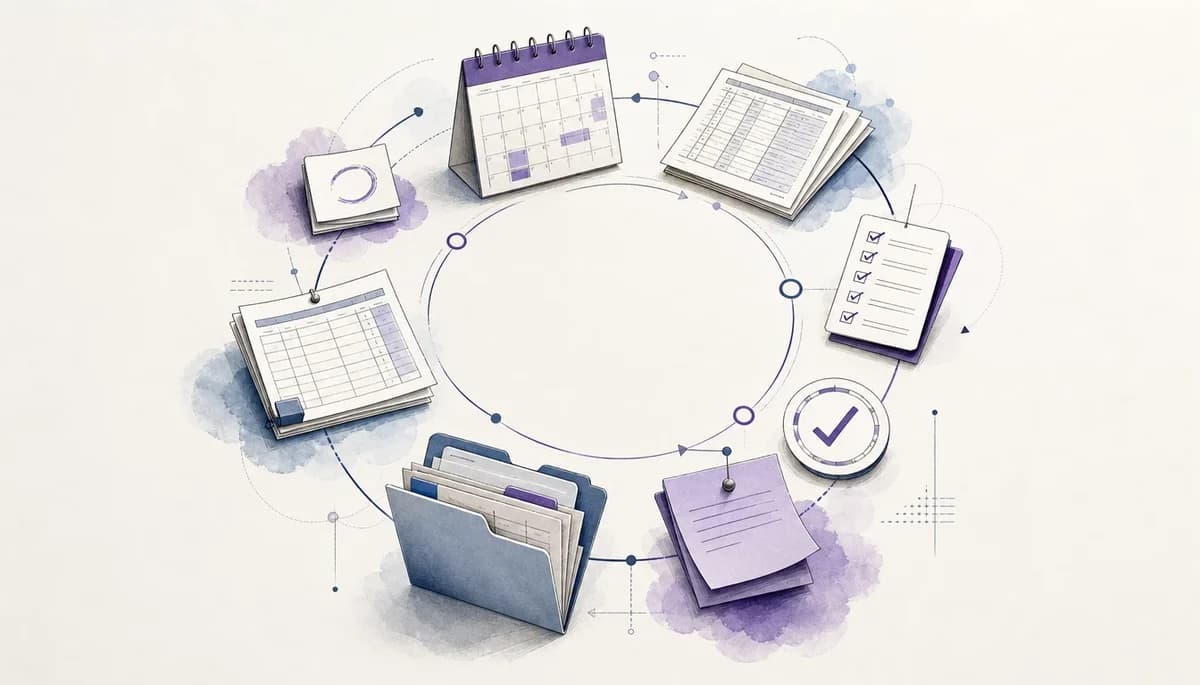
On this page11 sections
This is the first guide in a short series on building a repeatable monthly close system with dypt. This article gives you the overall model. The next guides will cover mapping the close, turning the map into checklist tasks, adding dependencies and review checkpoints, and rolling the template forward so each close starts cleaner than the last.
Month-end close can feel oddly chaotic for work that happens every single month. If you are tired of rebuilding the process from memory, old spreadsheets, email threads, and review notes, you can turn it into one reusable system that gives you clearer next steps and less last-minute pressure. The aim is not to document a month end close workflow once and forget it. The aim is to build a month end close process that becomes easier to run, review, and improve each cycle.
1. Start with the workflow, not another blank checklist


A repeatable workflow is not just a longer checklist. It is a working structure that shows what needs doing, when it needs doing, what blocks it, and what notes or evidence belong with it.
That matters because a plain list does not help you choose the next best action when deadlines, missing inputs, and review questions all compete. At its core, how accountants can build a repeatable monthly close workflow is by keeping one structure that you improve each month instead of recreating it.
A useful rule is to keep context where the work happens. If a task often triggers a question, adjustment, or evidence request, attach that context to the task rather than leaving it in a separate document.
A simple example is a bank reconciliation. A checklist says, “Do the bank rec”; a workflow also shows the feed you need first, the deadline for review-ready numbers, the notes for unreconciled items, and the follow-up if data is late.
2. Why month-end close breaks down even when the work repeats
The close breaks down because repeating work is not the same as identical work. You still depend on clients, payroll runs, sales systems, bank data, and ledger updates that may arrive late or arrive incomplete. That is why a useful month end close process needs room for variation without losing the structure that keeps everyone moving.
To handle that, you need a month end close process that accepts variation without losing structure. Start by noticing where work usually stalls: missing inputs, review notes living in email, last month’s adjustments that never became next month’s tasks, and reporting dates that make everything feel urgent at once.
Before redesigning anything, write down your three most common close blockers. Those blockers often shape the workflow more than the routine steps do.
If you manage more than one client or entity, you will know this pattern well. The same close exists in broad terms, but one client has late sales data, another has stock issues, and another needs extra review work for board reporting.
3. Use a simple model: capture, organise, run, review, roll forward


A simple model keeps the close from feeling like a huge fog of obligations. Instead of trying to fix everything at once, you move through five clear stages: capture, organise, run, review, and roll forward.
First, capture the process as it really happens now, not as you wish it worked. Then organise it into phases and reusable task groups, run it with visible next actions, review issues in the same place as the work, and roll the improved version forward into the next cycle. This gives your month end close workflow a stable backbone before you start refining the details.
Treat your first version as a draft you can trust, not a perfect operating manual you must finish before using.
This model works because it gives you a reliable source of truth. You can break vague obligations into manageable steps, see what matters now, and avoid losing progress between one reporting cycle and the next.
4. Start by mapping the close before building the checklist
It is tempting to jump straight into a checklist, but that often locks in a messy process. If you map the close first, you can see stages, handoffs, inputs, outputs, and the points where work gets blocked.
Begin by listing the main phases in order, such as data collection, reconciliations, adjustments, review, and reporting. Then note what each phase needs to start, what it should produce, and where questions or delays usually appear.
Map the real sequence of work, including waiting time and back-and-forth, rather than the clean version you would put in a procedure manual.
You do not need fancy process diagrams to do this well. Even a rough task tree or a simple note with stages and handoffs will show you more than a blank spreadsheet ever will. A mapped month end close process will also set you up for the next guide in this series, which goes deeper on deciding what should become a task, a note, a dependency, or a review checkpoint.
5. Turn the mapped process into a monthly close checklist


Once the map is clear, the monthly close checklist becomes much easier to build. You are no longer guessing what belongs on the list, because the phases, recurring steps, and review points already exist.
Turn each phase into a parent task and each recurring action into a subtask. Keep supporting notes, evidence, and common queries with the task, and keep one-off problems separate so they do not clutter the reusable template.
Your template should hold the stable shape of the close, while unusual issues should live as exceptions inside the current month’s work.
For example, your checklist might have a parent task for “Balance sheet reconciliations” with subtasks for bank, indirect tax, payroll control, and accruals. If you want a practical starting point, use the copyable monthly close checklist and adapt it to your clients or entities.
6. Add timing, dependencies, and review checkpoints
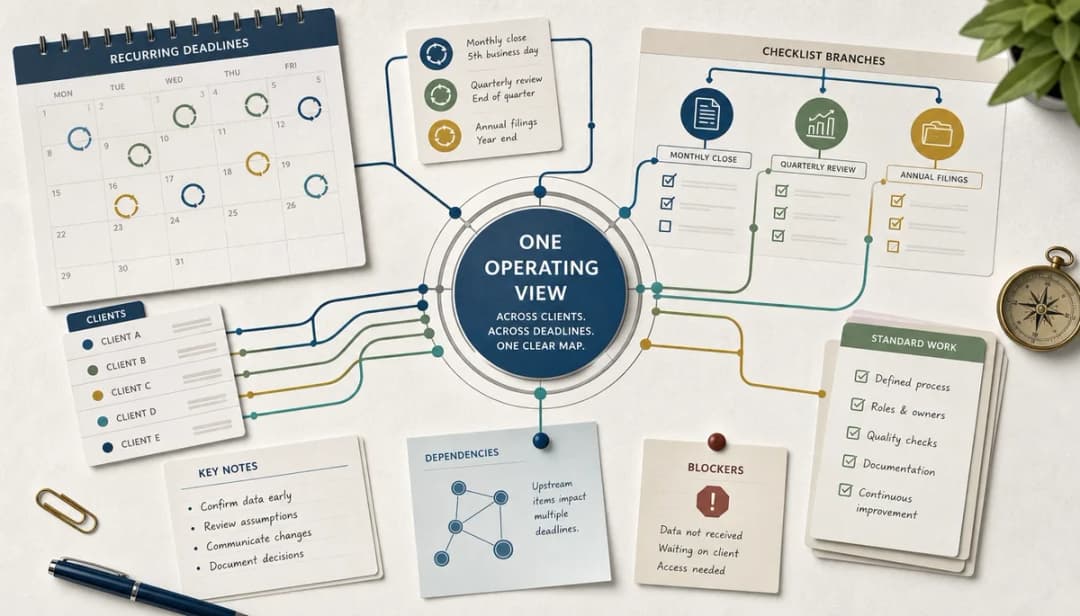
A useful month end close workflow does more than list tasks. It helps you see what is ready, what is blocked, what needs attention today, and which questions still need a response before you can move on.
Add deadlines and reminders to the time-sensitive parts of the close, especially client inputs, reporting dates, and follow-ups. Use task dependencies where one step cannot start until another finishes, and use notes for evidence, open questions, exceptions, and completion checkpoints.
If a task often slips, check whether the real problem is missing timing or an unrecorded dependency rather than poor discipline.
A good example is payroll journals. You may know the posting itself is quick, but the task should still wait on payroll reports, carry the review note for unusual movements, and surface a reminder before your reporting deadline gets too close.
7. Make the workflow reusable next month


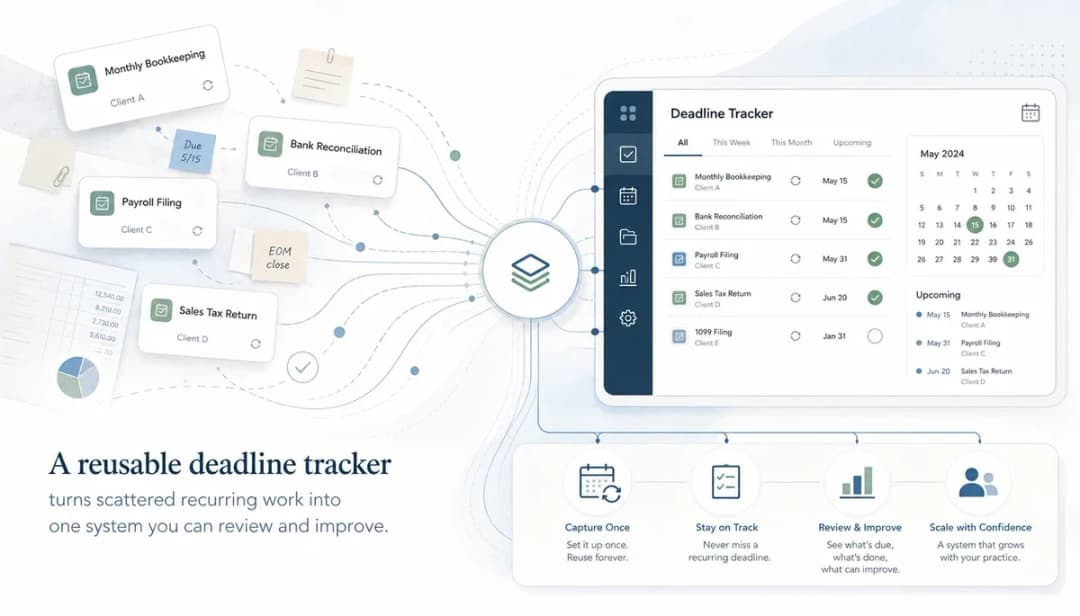
The goal is not to build a perfect close once. The goal is to finish each cycle with a better version of the same structure, so next month starts with less friction and fewer forgotten steps.
Keep recurring work in the reusable template and capture odd events as notes or exceptions in the current month. While the close is still fresh, update the structure, rename unclear tasks, add missing checkpoints, and remove steps that no longer matter.
This is where recurring tasks can save real effort. Instead of manually copying the same close template each month, you can set the parent close task to repeat on the schedule you choose, carrying forward the subtasks, notes, reminders, dependencies, and setup that make the workflow useful.
Schedule a ten-minute template tidy-up right after close, because that is when the small fixes are easiest to spot and easiest to save.
This matters most when you manage several reporting cycles at once. A cleaner reusable plan protects your deadlines, reduces mental load, and helps you leave work feeling organised enough to switch off in the evening.
8. Where dypt fits into the workflow
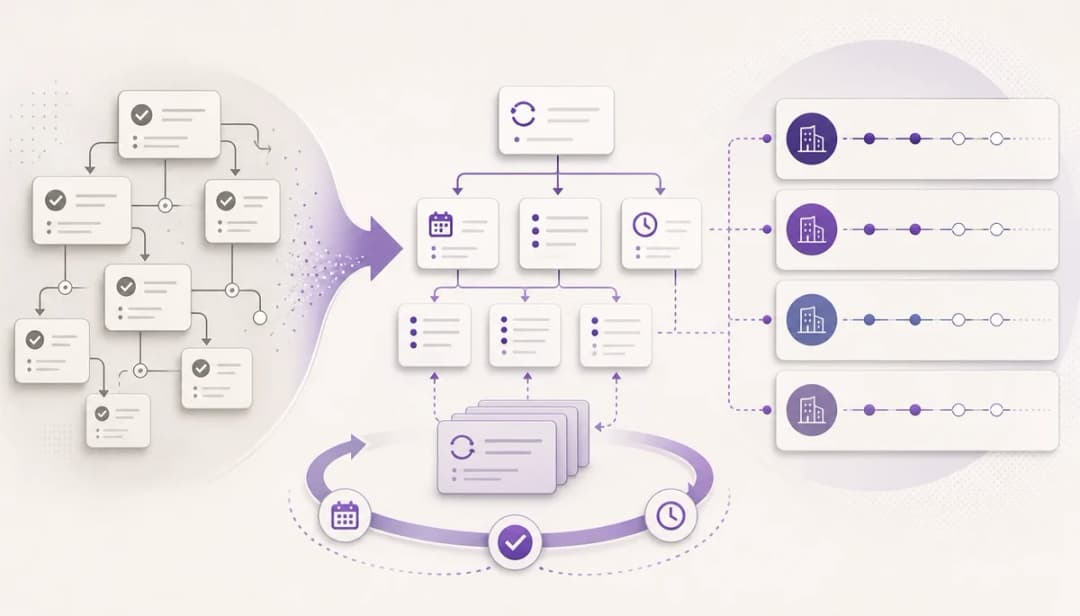
dypt works well here because the close is naturally layered. You have phases, tasks inside each phase, supporting notes, due dates, and work that is blocked until something else happens.
In practice, you can use nested tasks for the close structure, notes for context and evidence, deadlines and reminders for timing, and dependencies for sequencing. You can also copy or share task trees, or turn the close into a recurring task so dypt creates the next scheduled copy of the workflow for you.
Build one clean base template first, then copy it for each entity or client and only customise where the reporting cycle genuinely differs.
That is a better fit than scattering the process across spreadsheets, email flags, and folders. You keep the work visible, you can organise it as deeply as needed, and you do not have to flatten a complex month end close process into a shallow to-do list.
9. What to do next
The best next step is to pick one path and keep it simple. If you want something practical today, start with the copyable checklist and run your next close from that structure instead of another blank sheet.
If you would rather build your own system from first principles, read the next guide in this series. It covers how to map the month-end close process before creating checklist tasks, so you have a stronger foundation for deadlines, dependencies, and recurring work.
Test your workflow on one close cycle first, then adjust it before rolling it out across every client or entity you manage.
Either way, the win is the same. You stop rebuilding month-end from scratch and start improving one reusable month end close workflow that gets clearer, calmer, and more reliable over time.
Wrapping up
A repeatable monthly close workflow gives you more than a list of jobs. It gives you a structure for choosing the next action, keeping review points visible, and carrying lessons from this month into the next one.
One extra tip: add a short “stuck” note tag for tasks that are waiting on someone else or need a decision. That makes your weekly review faster, because you can spot bottlenecks quickly instead of rereading the whole close plan.
More resources
If you want the fastest start, use the copyable monthly close checklist. Then read the next guide in this series to map your close before you build or adapt the checklist.