Dane Poyzer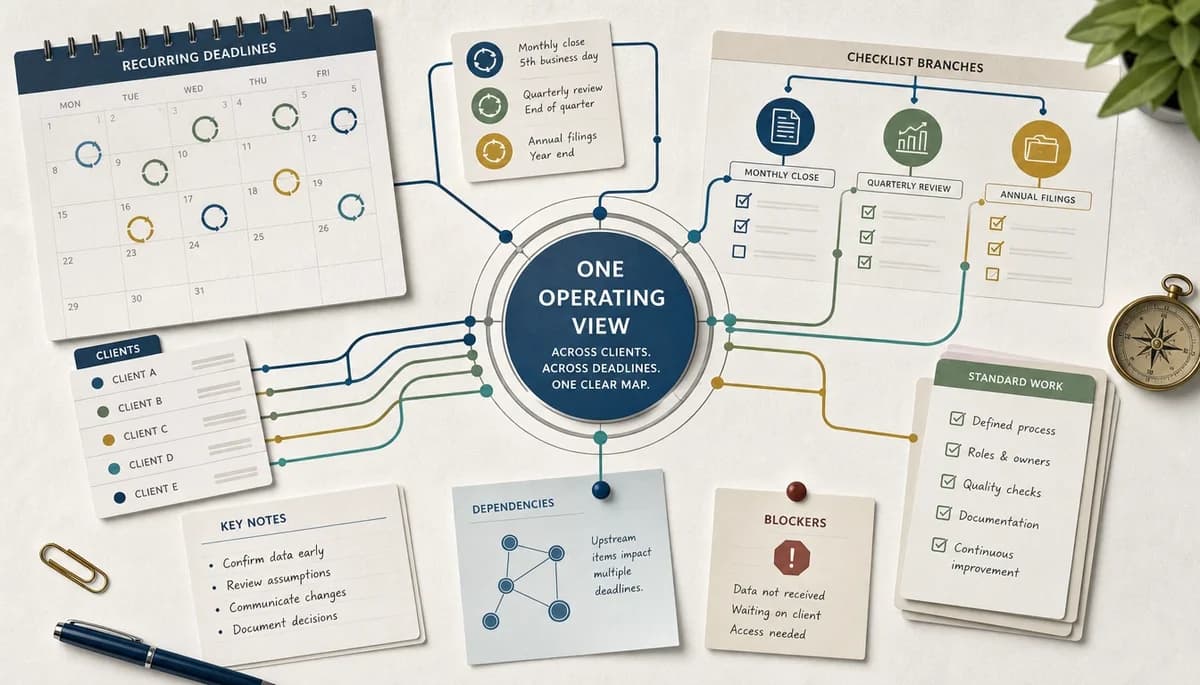
On this page6 sections
If you are managing payroll checks, quarterly returns, management accounts, client chases, and year-end work across dozens of moving deadlines, the hard part is often not the work itself. It is keeping a clear view when everything lives in different places and every task feels reputation-sensitive.
This is Part 1 of my recurring accounting deadlines series, and it is the why behind the system. If you want portfolio-level control without rebuilding spreadsheets every period, you need a setup that shows what is due, what is blocked, and what needs your attention next.
1. Deadlines slip when work lives in too many places


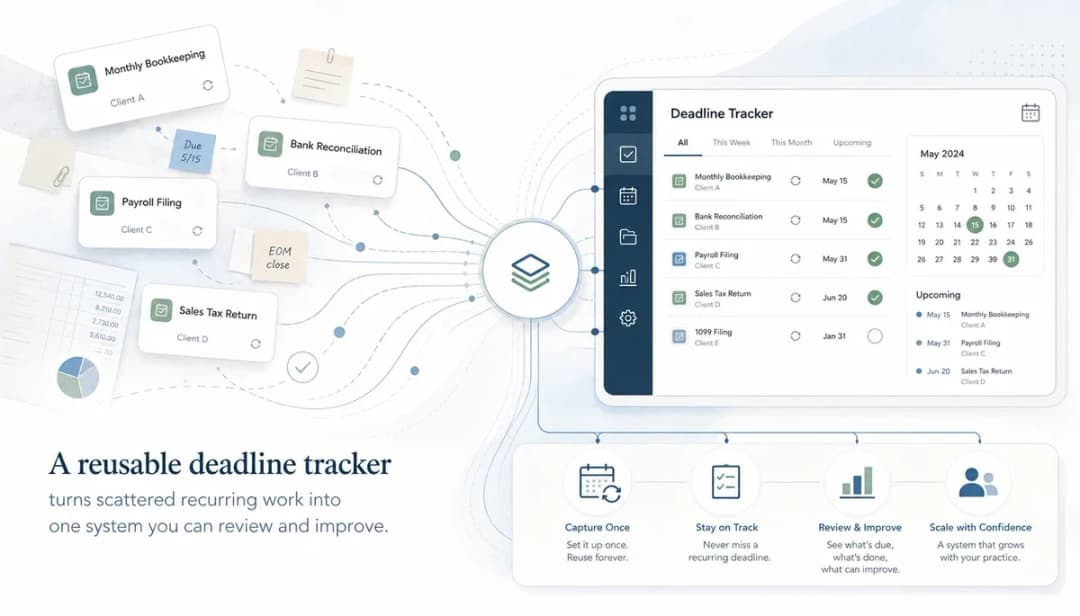
This is the most common failure mode I see: the deadline is in your calendar, the follow-up sits in email, the background note is somewhere else, and the live task status is in a tracker nobody fully trusts. You do not miss deadlines because you do not care; you miss them because there is no single operating view across all your client work.
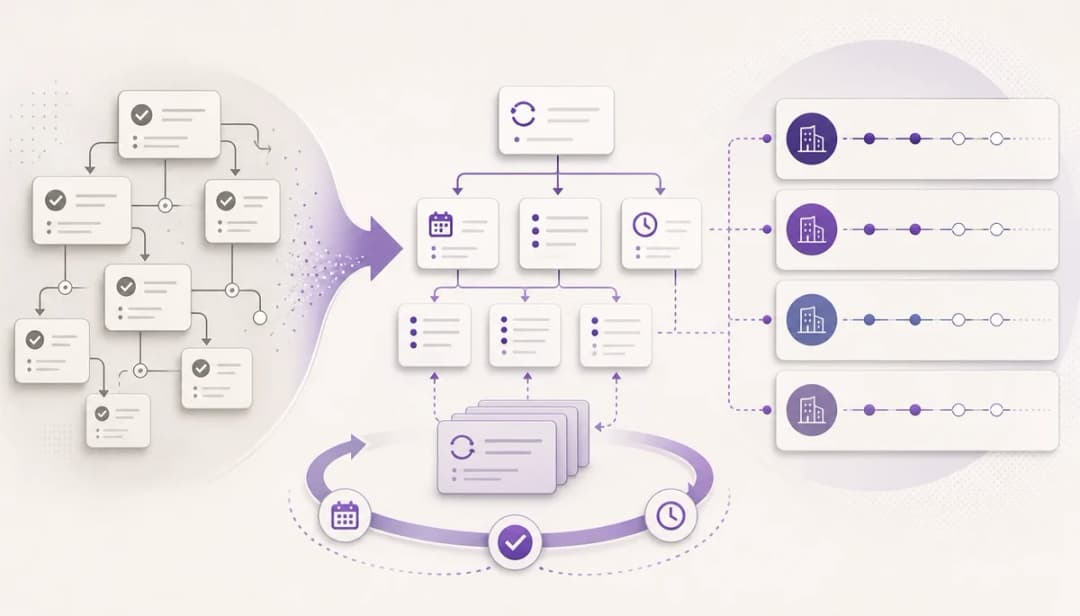
Start by pulling each recurring piece of work into one task tree. Put the due date on the parent task, break the work into clear subtasks, add notes for client context, and mark the next action so you can see what matters now without hunting around.
A simple example is monthly payroll. You might have one parent task with subtasks for data request, variance check, review prep, submission prep, and follow-up queries, instead of keeping those steps split across inbox flags, a spreadsheet, and your own memory.
2. Why accounting workflow software matters when deadlines keep piling up: you need a portfolio view
A long to-do list tells you that work exists. Good accounting workflow software shows you what is due soon, what repeats next week, what is waiting on client input, and what is blocked by another step.
Build your view around the portfolio, not around whatever happened to land in your inbox today. Group tasks by client or work type, add deadlines and reminders, and use statuses or dependencies so you can scan for approaching dates, blocked items, and routines that need rolling forward.
This is the practical reason accounting workflow software matters beyond a generic task list. When you are handling similar work across many clients, and five management accounts packs are due soon while three are stuck waiting on bank data, you want to see that pattern in seconds rather than finding it one email thread at a time.
3. Recurring tasks turn repeated accounting work into a reusable system


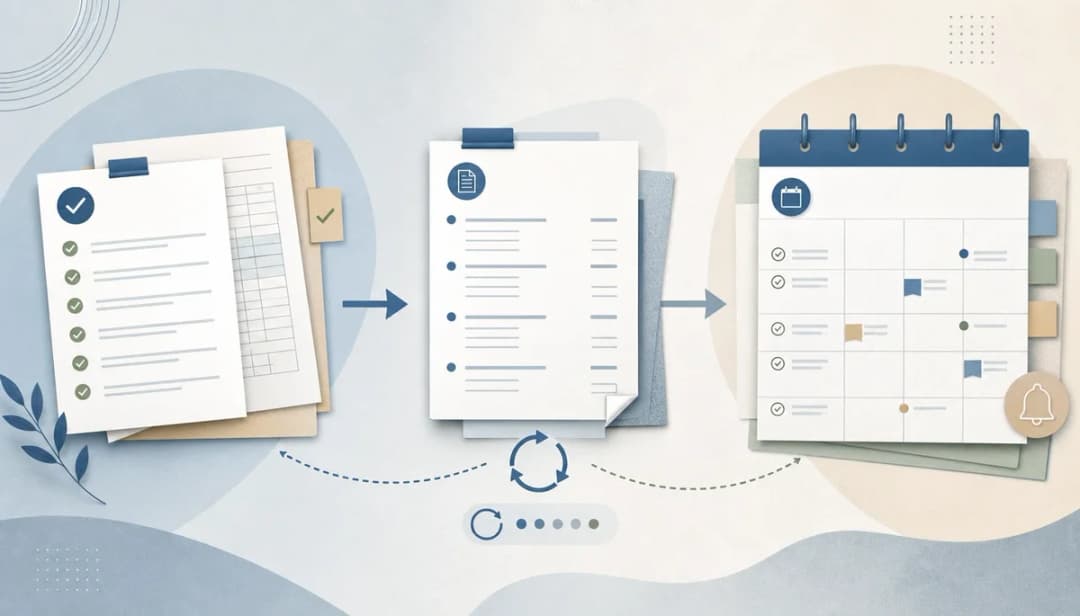
A lot of accounting work is cyclical, so rebuilding the same checklist every week, month, quarter, or year is wasted effort. It also creates risk, because the more often you recreate a process by hand, the easier it is to drop a step.
Set up a reusable task tree once, then let recurrence create the next instance on the right schedule. In dypt, that means you can keep the same subtasks, notes, deadlines, and supporting context together, while still treating each new cycle as live work with its own status and next action.
You can use that approach for a weekly client follow-up review, a monthly payroll routine, a quarterly return prep list, an annual accounts pack, or recurring management accounts work. Instead of starting from a blank page, you are improving a system that already knows the shape of the job.
4. Notes, templates, and dependencies stop blockers staying hidden
Deadline pressure often comes from work that looks active but is actually stuck. You may be waiting on bank statements, missing payroll data, an unresolved query, or a review step that has to finish before the next task can begin.
Keep the context with the task itself. Add notes for client requests, missing items, and evidence of what you checked, then use note templates for repeated review comments or chase messages so you are not rewriting the same update every time.
Dependencies help you show what must happen first before something else can move. For example, if management accounts cannot start until bookkeeping queries are cleared, that link makes the blocker visible instead of leaving you to rediscover it during a rushed afternoon.
5. The weekly review is where the system starts earning its keep


A tracker only helps if you look at it before the week gets away from you. The real value comes from a short weekly review that shows what is due, what is blocked, what needs client input, what should be rolled forward, and what no longer deserves space on your list.
Block out 20 to 30 minutes at the same time each week and review your deadline view in order. Check for items due soon, confirm the next action on anything important, chase missing information, and tidy old tasks so your current view stays trustworthy.
This is also where the rest of the series fits in. Part 2 will cover building the tracker itself, Part 3 will show how to run the review, Part 4 will go deeper on notes and dependencies, and Part 5 will cover rolling recurring work forward without starting again.
6. A lightweight workflow tracker is enough more often than you think
Not every accounting team needs a full practice-management suite on day one. If your main problem is controlling recurring client work, seeing deadlines clearly, and keeping notes, dependencies, and next steps in one place, a lighter workflow tracker can take you a long way.
Use dypt when you want reusable task structures, recurring work, shared visibility, and a source of truth that does not flatten everything into one shallow list. If you need client portals, statutory filing integrations, timesheets, billing, resource planning, or formal approval workflows, that is where a broader system may be the better fit.
I came to this as an accountant before I was a developer, so I tend to prefer tools that solve the real operating problem first. If your current pain is missed follow-ups and deadline fog, you will usually get more value from a clear system you actually review than from a giant suite you never fully trust.
The point is not to create another place to type tasks. It is to give yourself one reliable view across recurring client deadlines, supporting notes, blockers, reminders, and the next action that will move the work forward. That is what separates accounting workflow software from another static tracker.
One extra tip: keep a single capture task for loose meeting notes, screenshots, and client requests that still need turning into proper tasks. That stops new work from disappearing before your next review and makes it easier to follow through without carrying the whole week in your head.
If you want the quickest starting point, copy the accountant deadline tracker into your own dypt workspace and adapt it to your clients. The dypt for accountants page explains the wider use case, and the Recurring tasks guide is useful background before Part 2 shows you how to build the full reusable tracker.