Dane Poyzer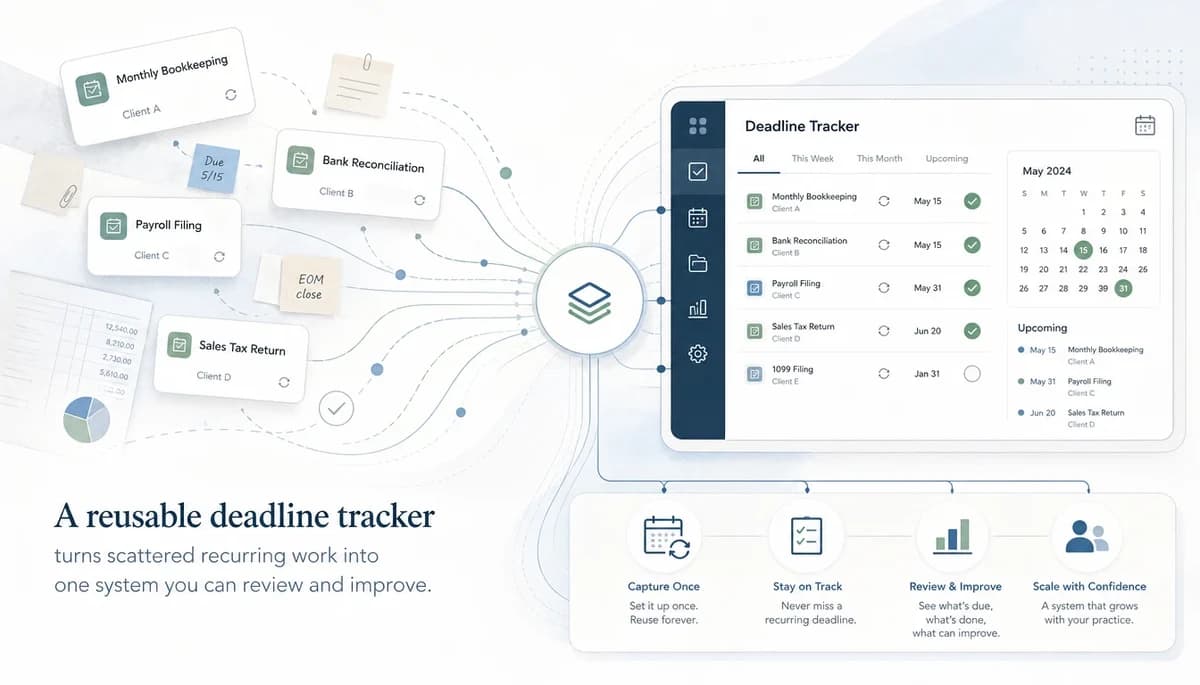
On this page9 sections
If you are juggling deadlines across email flags, calendars, spreadsheets, and memory, it is very easy to lose track of what actually needs doing next. In Part 2 of this series, you will learn how to build a reusable deadline tracker for recurring client work in dypt, so you can see due dates, blockers, and next actions in one place without rebuilding the same list every cycle.
1. Start with the portfolio view before the checklist detail


The first win is simple: you need one view that tells you what exists, what is due soon, and what is stuck. If you start with every tiny subtask, you will spend ages building detail before you can answer the basic question of what needs your attention today.
Set up your top level around the shape of your workload, not around one client file. For most firms, the best starting point is work type at the top, then use client names in task titles and notes for extra context.
That means you can review payroll, month-end work, indirect tax reporting, annual jobs, and waiting-on-client items side by side. Good accounting workflow software should help you choose the next highest-value task with confidence, and this structure does that far better than a flat to-do list.
Pro tip: If you are unsure how to group work, choose the view that makes your weekly review faster, not the view that looks neat on day one.
2. Choose the recurring work categories that belong in the tracker
The tracker works best when it covers the recurring work that creates real pressure, not every possible obligation in the practice. You want the categories that help you protect deadlines, follow up consistently, and stop important work slipping between systems.
Start with practical buckets such as weekly client follow-ups, payroll routines, monthly management accounts, monthly or quarterly reporting, annual accounts and tax prep, client onboarding or admin, and internal review tasks. Keep the list short enough that you can review it quickly, then expand only when you notice repeated gaps.
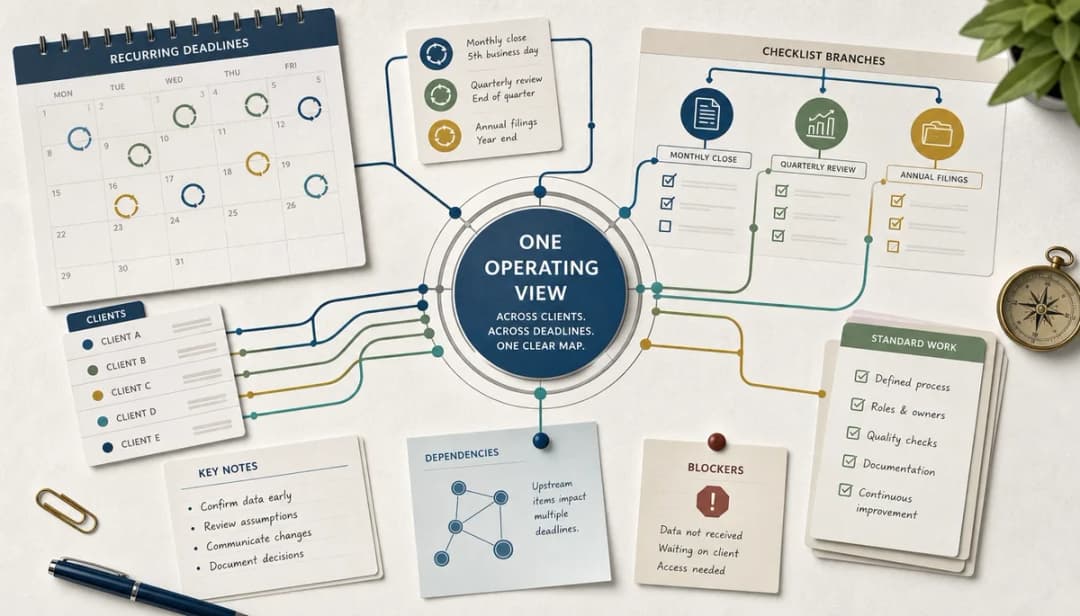
This is an operating system for recurring client work, not a statutory calendar and not a substitute for professional judgement. The tracker becomes your lightweight accounting workflow software for the work around those obligations: what repeats, what is due, what is blocked, and what needs review. For example, you might keep a Quarterly reporting branch for all clients with repeating review steps around returns, while separate notes capture the client-specific facts that affect timing.
Pro tip: If a category does not change what you review or do next, leave it out of version one.
3. Build reusable task trees for each recurring work type


This is where the tracker becomes useful instead of theoretical. A reusable task tree lets you break vague obligations into clear next steps, while still keeping the full structure available when you need more detail.
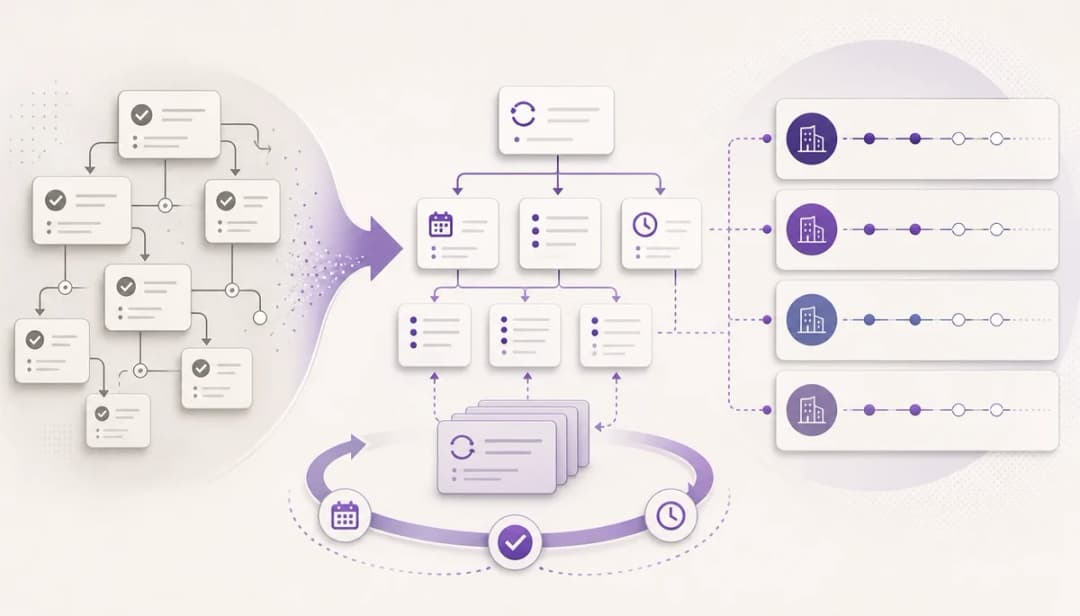
Create one parent task for each recurring workflow, then add nested subtasks for the main stages. In dypt, that might mean a parent called Client deadline tracker with branches for Weekly review, Monthly routines, Quarterly returns, Annual cycles, Waiting on client, and Roll-forward work.
Inside each branch, add the repeatable steps, a short note for context, the due date or reminder, and any dependency that genuinely affects timing. If you want the fastest starting point, copy the ready-made accountant deadline tracker and adapt it to your own client mix rather than building from a blank page.
Pro tip: Reuse the same task tree shape across similar work so your brain spends less time relearning where things live.
4. Add deadline metadata to build a reusable deadline tracker for recurring client work
You do not need a giant spreadsheet worth of fields to stay in control. You need just enough metadata to see what matters now, what is blocked, and what needs a clear next action.
Start with six basics: due date, next action, client or context note, blocker state, recurrence rhythm, and where supporting evidence lives. Add these to the task or note when you create the work, then review them each week instead of inventing more categories.
A simple example is a monthly management accounts task with a due date, a next action of “chase bank statements”, a note saying the client sends records late, a blocked status if data is missing, and a link to the working paper folder. That gives you visibility without turning the tracker into another admin job.
Pro tip: If you are typing the same field values over and over, simplify the structure before you add more metadata.
5. Use notes and note templates to keep client context with the task


Notes are what stop client context leaking into your memory, chat history, or inbox. When the reason behind a task lives with the task, you can pick work back up faster and hand it over more cleanly.
Use notes for client queries, evidence references, review points, and handoff context. In dypt, note templates are especially handy for repeated formats like Missing records request, Review points, or Client query summary, because you can keep the wording consistent without retyping the same prompts each time.
If you have ever reopened a task and thought, “Why was I waiting on this?”, notes fix that. One short note under a reporting task can show what was requested, when you chased it, and what is still missing, which is far more useful than a vague reminder sitting on its own.
Pro tip: Write notes so another person could continue the task without needing to ask you what happened.
6. Add dependencies only where they change the next action
Dependencies are powerful when they make blocked work obvious, and annoying when they are added everywhere for the sake of structure. The rule is simple: only link tasks when one piece of work truly stops another from moving.
That might mean bank feed queries before management accounts, payroll data before payroll review, or bookkeeping cleanup before quarterly reporting. In dypt, that gives you a much clearer view of what is waiting, what can move now, and where a follow-up will unblock several tasks at once.
In practice, this helps most during your weekly review. Instead of scanning a long list and trying to remember why work has stalled, you can see blocked items quickly and turn them into specific follow-ups for the right client.
Pro tip: If a task can still progress in any meaningful way, do not mark it as dependent yet.
7. Keep the first version small enough to actually use
The best tracker is the one you will still trust three weeks from now. If version one is too big, too clever, or too detailed, you will avoid updating it and drift back to scattered reminders.
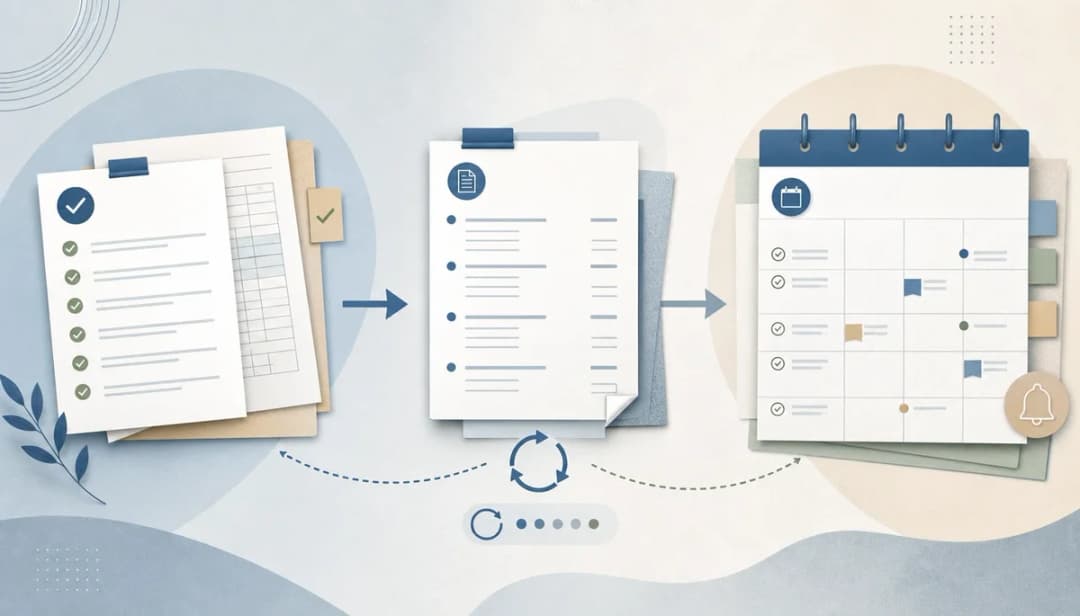
A practical setup order is: copy the template, choose five recurring work types, add a few live client examples, set your next weekly review, and then improve the tracker after real use. That gives you a working control system quickly, and it helps you spot the missing pieces based on actual deadlines rather than guesses.
When I worked around repeating finance deadlines, the biggest mistake was always over-designing the system before it had seen real work. If you want to know how to build a reusable deadline tracker for recurring client work, start smaller than feels ideal and let the live jobs show you what needs refining.
Pro tip: Name tasks with a consistent pattern such as client, work type, and period so search stays fast when the list grows.
Wrapping up
A reusable tracker is accounting workflow software only if it gives you one operating view across recurring client work, not one more place to maintain. If you can see what is due, what is blocked, what repeats, and what the next action is, you are already far ahead of the spreadsheet-plus-memory approach. That is the practical test for accounting workflow software in a small firm or finance team.
One extra tip: keep old cycles visible for a short time before archiving them, because that makes it easier to spot repeated delays and poor estimates. Over time, that small habit helps you plan capacity better and leave work feeling organised enough to switch off properly.
More resources
If you want a practical next step, copy the accountant deadline tracker and adapt it to your own client portfolio. It gives you a lightweight accounting workflow software starting point without forcing you into a full practice-management rollout. You can also explore dypt’s Recurring tasks feature and Task notes to make the tracker easier to repeat, update, and review, then look out for Part 3 on running the weekly deadline review.