Dane Poyzer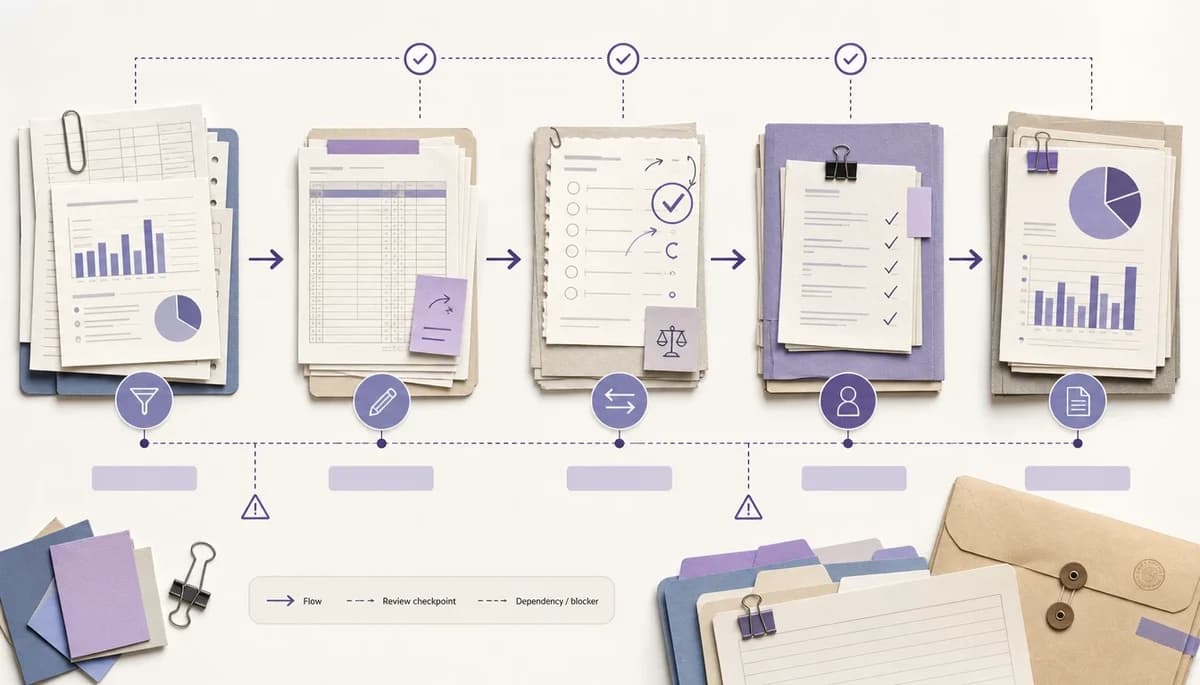
On this page13 sections
If your month-end close checklist still feels stressful, the problem is often not missing tasks. It is that the list does not show what unlocks the next piece of work, what can run in parallel, and where review needs to happen.
This guide is for intermediate accountants and finance leads, and it should take about 30 minutes to work through with your current checklist open. By the end, you will have a dypt structure that shows dependencies, review checkpoints, evidence notes, and a cleaner path through each close. It sits after mapping the close process and building the checklist: now you are making the month end close workflow easier to run under pressure.
Prerequisites
- A draft monthly close checklist built from your real close process, not a generic list of month end close tasks
- Basic familiarity with your month-end close tasks, journals, reconciliations, and reporting outputs
- A rough process map, notes, or whiteboard showing what depends on what
- One recent completed close pack, issue list, or reviewer comments to compare against
- A dypt account with the monthly close created as a parent task and the main work added as subtasks
- Optional access to the public monthly close checklist template for a starting point
Materials & tools
- Your current accounting task checklist in dypt, a spreadsheet, or another task list, with the main month end close tasks visible
- Last close review notes, recurring queries, and evidence requests
- Access to your accounting system, close folders, and normal supporting documents
- A recent trial balance, management accounts pack, or close summary for testing the order
- The dypt for accountants page for related guidance
- Optional access to Task notes if you want a cleaner note structure inside tasks
1. Separate sequence from importance


Start by separating urgency from sequence. In most closes, everything feels urgent, but only some month end close tasks actually unlock later work. This matters because an accounting task checklist can look complete while still failing to show the order of the close.
Open your checklist from Part 3 and scan each task with one simple question: does this task unlock another task. If the answer is yes, move it earlier, nest the dependent work beneath it, or add a short note that it drives the next stage.
If a task matters for quality but does not block another step, keep it visible without forcing it to the top. That simple split makes your month end close workflow easier to trust when deadlines, queries, and review comments all compete for attention.
Common mistakes to avoid:
- Treating every task as a blocker. Only mark a task as sequence-critical if later work genuinely waits on it.
- Mixing up risk and order. A high-risk task may need careful review, but that does not always mean it belongs first.
- Rebuilding the whole checklist at once. Work through one branch at a time so you do not lose the shape of the close.
2. Group tasks by dependency chain, not just by account area
Most accounting task checklist setups begin with account areas such as bank, revenue, payroll, accruals, and fixed assets. That helps with scanning, but it can hide the real sequence if the work moves across those headings.
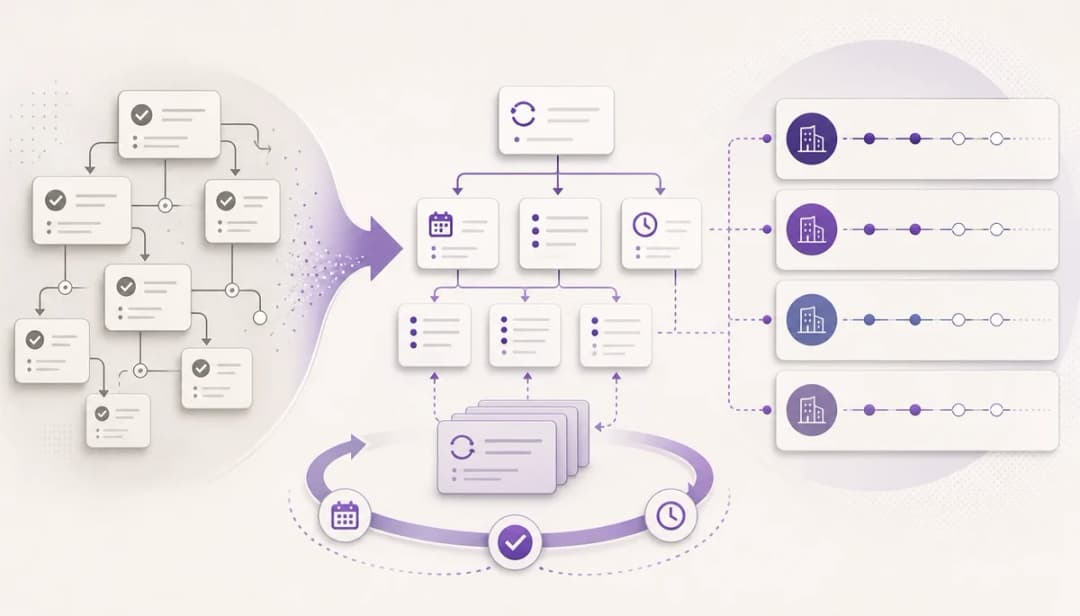
Keep those account-area groups where they help, then create the order inside them. In dypt, that usually means a parent task for each phase and nested subtasks for the work that happens before, during, and after that phase.
Where the order crosses branches, use dypt dependencies to show the actual unlock relationship instead of duplicating tasks. For example, a reporting-pack task can depend on a reconciliation task in another branch, or a journal task can depend on an input task in a separate payroll checklist. That keeps the checklist organised by workflow while still showing what is waiting on what.
A simple structure might look like this:
- Collect inputs
- Download bank statements
- Export sales reports
- Confirm payroll file received
- Prepare entries
- Post cash journals
- Post payroll journals
- Calculate accruals and prepayments
- Review and reconcile
- Review trial balance movements
- Complete balance sheet reconciliations
- Review unusual variances
- Final reporting
- Draft management accounts
- Review reporting pack
- Publish final pack
The aim is not to make the accounting task checklist deeper for its own sake, or to rename every small action as one of many month end close tasks. The aim is to show the path through the work so you can see what starts now, what can run in parallel, what depends on another task, and what needs to wait.
Common mistakes to avoid:
- Keeping only account headings with no order inside them. Add sequence within each branch so the next action is obvious.
- Making one huge branch for everything. Break phases into smaller chunks that match how the close is actually run.
- Duplicating the same task in multiple places. Keep one source of truth and use notes for cross-reference where needed.
3. Mark the difference between hard blockers and useful context
Not every relationship in a close is a true dependency. Some tasks cannot start without an input, while others can begin early and only need final numbers before they are finished.
Use two simple labels in your thinking: hard blockers and useful context. A hard blocker stops the task from starting or being completed, while useful context gives background, prior-month notes, or evidence locations without stopping progress.
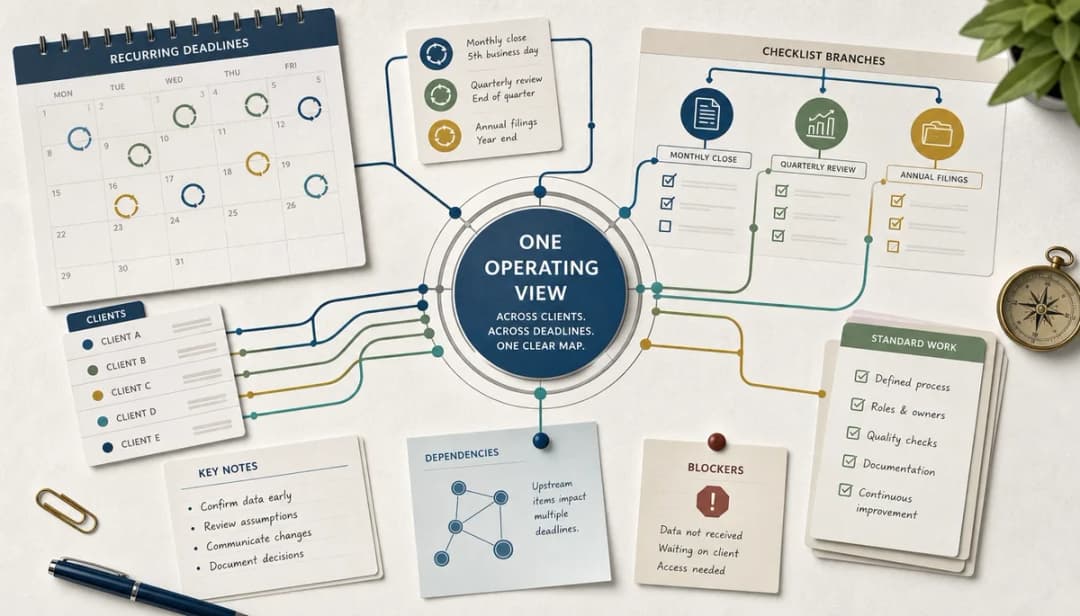
When the blocker is real, use dypt's dependency links instead of relying only on a note that says "waiting on". A task can depend on another task elsewhere in the same close tree, or on a task in a different tree, such as a client-response branch, payroll input checklist, tax workflow, or reporting pack. dypt then shows what the blocked task is waiting for, so the close runner can see exactly what needs to be completed before that work is unlocked.
Use dependencies for the relationship and notes for the surrounding context. The dependency link tells dypt that one task unlocks another; the note explains why that matters, what input is expected, and where the evidence or source file lives.
A short note format helps keep this clear:
Waiting on:
Can start with:
Done when:
Evidence stored:
If you use this structure often, save it as a dypt note template. That lets you apply the same blocker, evidence, and completion-note format to close tasks across clients, branches, and monthly close cycles without rewriting it each time.
If a task is blocked, say exactly what it is waiting for. If it just needs context, put that context in the note and keep the task available so work does not stall for the wrong reason.
Common mistakes to avoid:
- Marking everything as blocked because it feels safer. That usually makes the checklist harder to trust.
- Hiding the real blocker in a long note. Put the blocker first so anyone scanning the list sees it at once.
- Using context notes as a substitute for dependency links. Notes help, but true blockers should be linked as dependencies so dypt can show what unlocks the task.
4. Add review checkpoints where judgement happens


Review steps are where many close checklists become blurry. A task called complete payroll journal often hides two different states: prepared and reviewed.
Split preparation from review wherever judgement matters or downstream reporting risk is high. That usually includes revenue cut-off, payroll journals, accruals, prepayments, balance sheet reconciliations, reporting packs, and unusual adjustments.
In dypt, create separate subtasks such as Prepare accruals and Review accruals. That gives you a much cleaner status trail: done by preparer, waiting for review, reviewed with notes, or ready for the next stage.
Common mistakes to avoid:
- Keeping review inside the preparation task name. Separate tasks make delays and bottlenecks visible.
- Adding formal review gates where none exist. Keep the checklist aligned with your real process rather than inventing extra workflow.
- Skipping review tasks for recurring pain points. If an area repeatedly creates queries, give review its own checkpoint.
5. Put evidence and source notes where the task happens
A close checklist becomes more useful when it shows not just what to do, but where the supporting detail lives. That matters even more when you revisit the same accounting task checklist every month, because the month end close workflow depends on context as much as task order.
For each important task, add short notes that answer five questions: where is the source, what input is required, what should the preparer check, what should the reviewer look for, and where is the final support stored. Keep the note brief enough that someone can act on it without reading a separate manual.
A practical note template could look like this:
Source:
Required report or file:
Preparer checks:
Reviewer checks:
Common exception:
Final evidence stored:
This reduces repeated questions and stops evidence from drifting into email threads, chat, or memory. It also makes next month easier because you are not reconstructing the process from scratch.
Common mistakes to avoid:
- Writing notes that are too vague to use. Name the system, folder, report, or responsible person directly.
- Copying every detail into the task. Point to the source and define completion, rather than pasting a whole procedure manual.
- Storing evidence rules in a separate document nobody opens during close. Put the essentials on the task where the work happens.
6. Keep exception work out of the core dependency path
Every close produces odd items that do not belong in the main template. Late invoices, messy reconciliations, one-off errors, and prior-period fixes all matter, but they should not automatically reshape your recurring checklist of month end close tasks.
Create a separate Exceptions or Follow-up branch under the current month close, away from the core month end close workflow. Put one-off issues there, and only let them block the core path if they are material to the close or stop reporting from being completed.
At the end of the month, review that branch before you roll the checklist forward. If an issue keeps returning, promote it into the template as a recurring task; if it was genuinely one-off, leave it out and keep the core structure clean.
Common mistakes to avoid:
- Promoting every problem into the master template. That turns a good repeatable system into a cluttered one.
- Hiding exceptions in personal notes or inboxes. Keep them visible in the current close so they can be reviewed properly.
- Letting immaterial clean-up items block reporting. Separate noise from real blockers.
7. Test your structure against a real close


Before you rely on the new layout, walk through one recent close from start to finish. This is the simplest way to test how to organize month-end close checklist tasks by dependencies and review steps without guessing, and it quickly shows whether the month end close workflow reflects real work.
Check whether the structure would have shown which tasks could start immediately, which were waiting on inputs, where review mattered, and where evidence or notes were missing. If a reviewer would still need to ask where something lives or what comes next, the checklist still needs work.
Make those changes now, before you add dates and reminders. A clean order is the foundation for the calendar work in Part 5, and it is much easier to schedule a close once the shape of the work is clear.
Common mistakes to avoid:
- Testing with an idealised close instead of a messy real one. Use the version that produced delays, queries, or late changes.
- Jumping straight to deadlines. Fix order first so the calendar reflects reality.
- Assuming solo closes do not need this step. Even if you do the whole close yourself, a tested structure reduces mental load.
Troubleshooting
- Problem: every task looks blocked by another task → Solution: only mark a hard blocker when it genuinely changes whether work can start or finish.
- Problem: review steps keep disappearing inside bigger tasks → Solution: split preparation and review into separate tasks wherever judgement matters.
- Problem: the checklist is getting too deep → Solution: add depth only where sequence, evidence, or review would otherwise be unclear.
- Problem: exception work keeps cluttering the template → Solution: keep a separate exceptions branch and only promote recurring items after the close.
- Problem: people still ask where evidence lives → Solution: add source and evidence notes directly to the relevant task.
FAQ
- Should every month-end close task have a dependency? No. Most tasks need clear context, but only some are true blockers, and overusing dependencies makes the checklist harder to trust.
- Should review steps be separate tasks? Usually, yes. Separate review checkpoints make it much clearer whether work is prepared, waiting for review, or ready for the next stage.
- Can this work for a solo accountant? Yes. Even if you run the whole close yourself, the structure reduces mental load by showing what is unlocked, what is waiting, and what needs a second look.
- Where should supporting evidence go? Keep the files in the right accounting or document system, then use task notes to point to the source, explain the check, and define what evidence is expected.
- Is this the same as building a close calendar? No. This guide is about order and review inside the checklist, while Part 5 covers dates, reminders, and how to stop the close from slipping.
Wrapping up
A flat checklist tells you what exists, but a dependency-aware checklist tells you what to do next. This is why the best accounting task checklist does more than list month end close tasks: it shows the month end close workflow behind them. When you separate blockers from context, add visible review points, and keep evidence notes close to the work, your close becomes easier to run and easier to improve.
If you want a fast starting point, copy the monthly close checklist and adapt the dependency and review branches for your team or clients. If you want to build it in dypt from scratch, explore Deep task hierarchies and subtasks, review Task notes, or start using dypt for free. Continue with Part 5 on turning this ordered checklist into a close calendar with dates, reminders, and review windows.
Resources
Related reads in this series are How to map your month-end close process before building the checklist and How to build a monthly close checklist from your close process. For the wider workflow, see dypt for accountants, dypt docs, and Priorities, deadlines, and reminders then continue to the close calendar guide.