Dane Poyzer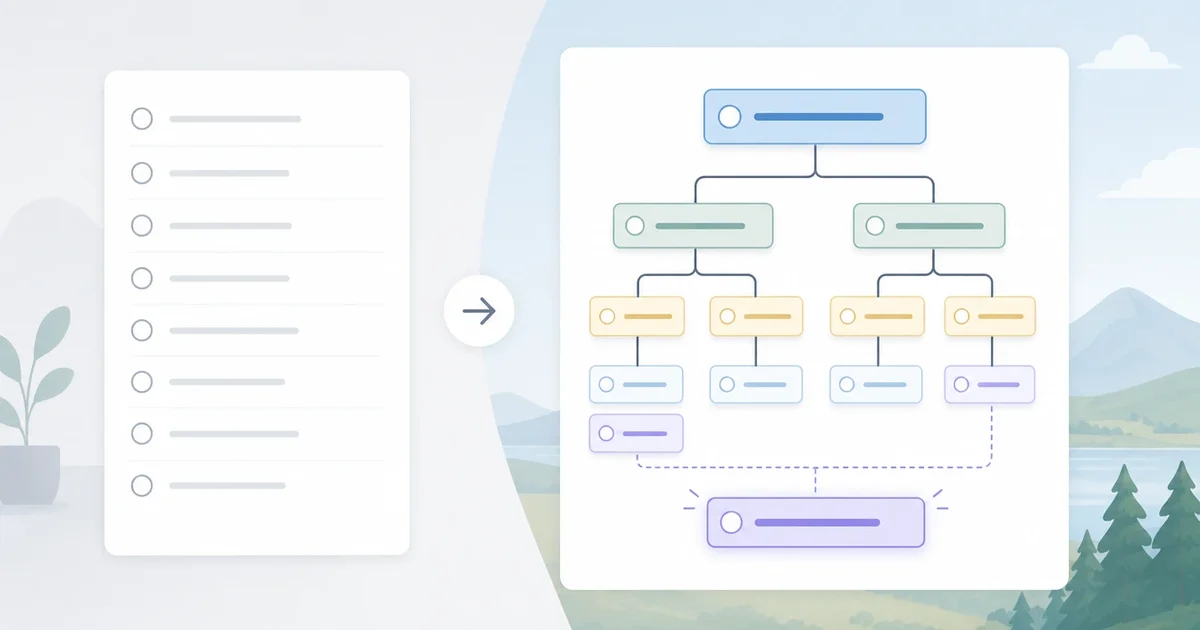
On this page7 sections
You might be wondering whether this is just a to-do list with subtasks, or something more useful. In plain English, a hierarchical to do list lets one task contain smaller tasks, and those subtasks can keep breaking down until you have a clear next action.
That matters when your list is full of vague projects and loose ends, but still does not tell you where to begin. Plain lists are fast for errands, but they often hide context, sequence, and progress once work gets bigger. The benefit of a hierarchical to-do list becomes obvious when you compare a flat list of projects with a task tree you can actually work through.


At a glance
- What it is: a task tree that groups work by parent tasks, subtasks, and smaller next actions.
- Who it helps: anyone dealing with projects, routines, shared plans, ADHD-related overwhelm, or task paralysis.
- Core idea: keep the big picture and the next step in the same place.
- Best use case: work that is too big, too vague, or too interdependent for a plain list.
- Quick framing: a nested task list adds structure without forcing you into a rigid project plan.
Where this idea came from
The idea is not new. It sits close to old-fashioned outlines, project breakdowns, and work breakdown structures that people have used for years to plan big pieces of work. A lot of digital task tools flattened that thinking into simple lists because they were quicker to build and easier to learn. That worked well enough for errands, but modern work is messy, shared, and full of follow-ups, so shallow lists often stop being enough.
How a hierarchical to do list works
The mental model is simple: parent tasks hold outcomes, child tasks hold the parts of the work, and leaf tasks hold actions you can actually do now. In a nested task list, “Plan website launch” might sit at the top, “Write launch email” might sit beneath it, and “Draft subject lines” might be the next action at the bottom. The depth is there to add clarity, not to make your system look clever.
A few terms help. A parent task is the bigger container, a subtask is a smaller part inside it, and depth is just how many levels down you go. A good hierarchical task manager helps you answer three questions at once: what this belongs to, what depends on it, and what you should do next. The real benefit is that you can collapse detail until you need it, instead of staring at every task at the same level.
Good hierarchy is also selective. You do not need six layers for “buy milk”. You add depth only where the work is vague, staged, or full of dependencies.
Strengths and limitations
| Strength | Limitation | What to watch for |
|---|---|---|
| Keeps related work together, so you do not lose context | Can feel heavier than a plain list for simple tasks | Use depth for projects, not every tiny errand |
| Makes big projects less intimidating by breaking them down | It is easy to over-plan and avoid doing the work | Stop when the next step is clear enough to start |
| Helps you prioritise at the right level | Priorities can get muddy if both parent and child tasks compete | Decide whether you act from project level or next-action level |
| Improves estimates and progress tracking | Setup takes a bit more thought at the start | Review and trim the tree as the work changes |
| Works well for shared projects and reusable plans | Collaboration can create clutter without clear ownership | Make owners, deadlines, and status visible on the right tasks |
| Supports recurring systems as well as one-off projects | Deep trees can become hard to scan if naming is poor | Keep task names short, specific, and action-led |
A simple example of a nested task list


- Put the deadline on the parent task, but reminders on the specific actions.
- Add time estimates to packing tasks so you can fit them into real evenings or weekends.
- Mark only the leaf tasks as “do now” so your today view stays clear.
Where dypt fits, and where it does not
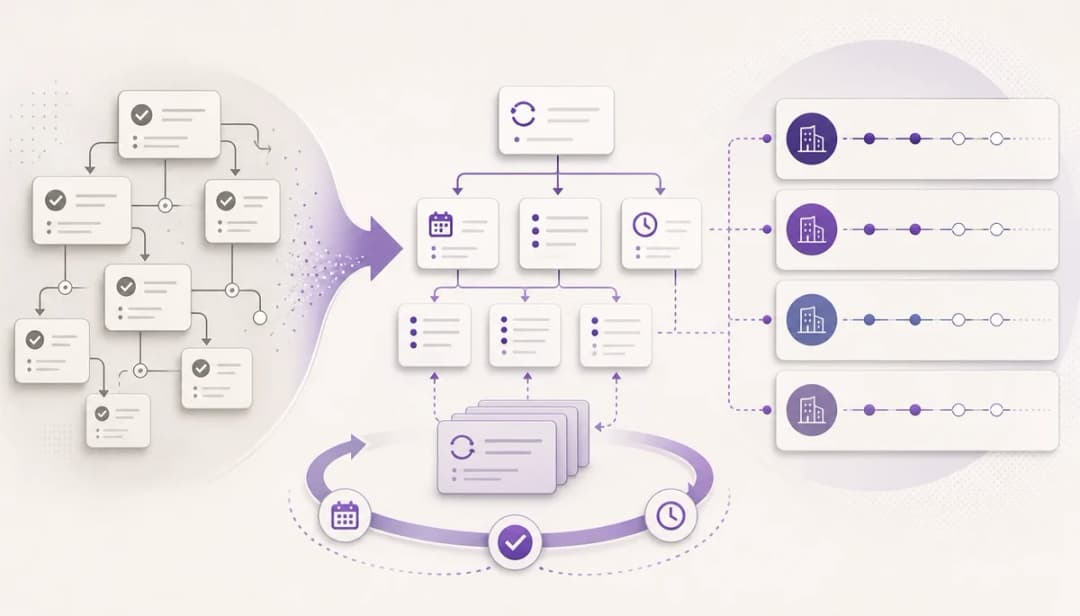
dypt is built around deep task hierarchies, so this approach fits naturally when one level of subtasks is not enough. You can break work down as far as you need, keep notes and reminders attached to the right level, and add priorities, deadlines, and estimates without losing sight of the wider project. That makes it easier to keep one reliable source of truth instead of juggling a flat list, a notes app, and your memory.
If you get stuck at the blank-page stage, dypt can also suggest subtasks or turn rough notes into a starting structure. The useful part is that you still decide what stays, what changes, and what gets deleted, so the plan remains yours. That said, if you only need a short shopping list or a few one-off reminders, a simple flat app may be enough. If you want to see how this works in practice, start with Deep task hierarchies and subtasks. If the AI side sounds helpful, take a look at AI task breakdown.
When this approach is worth using
A hierarchical to do list is worth using when your work has stages, dependencies, repeated routines, or too many loose ends for one flat list. It helps when you need to turn “I should sort this out” into a set of next actions that you can actually start. If the task is quick, simple, and has no real structure, do not overcomplicate it.
When the work is bigger than a plain list can handle, a hierarchical task manager gives you a clearer way to plan without losing flexibility. If you want to try that with a tool built for deep task trees, start using dypt for free. If you want a gentler first look, you can also explore dypt.