Dane Poyzer
On this page8 sections
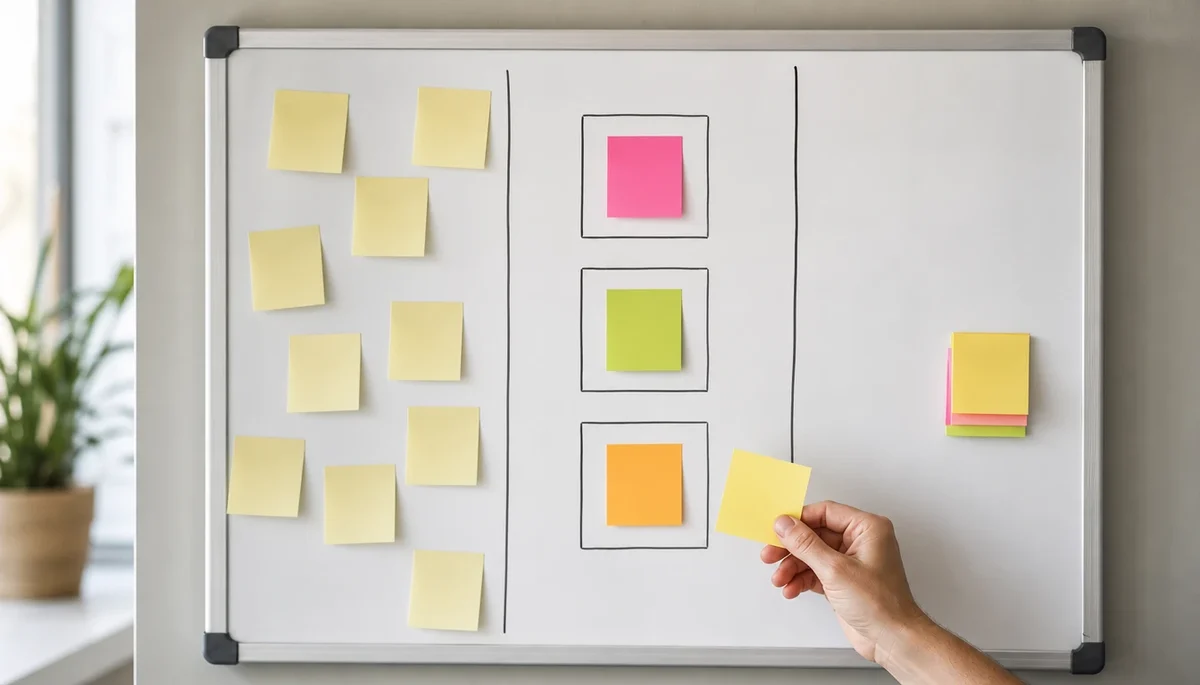
Why do the small jobs always get done first? They're quick, they feel productive, and by the time they're cleared the day has gone. The most important tasks (MIT) method flips the order: each morning, pick the few things that matter most today, and do them before anything else.
This guide covers where the method comes from, how to choose your MITs, a worked example, and how to set it up in dypt.
Where the MIT method comes from
The method is best known from Leo Babauta's 2007 post on Zen Habits. Babauta describes having three MITs, "the three things I must accomplish today", and doing them first thing in the morning.
He's clear that he didn't invent it: "It's not an original concept." Choosing the day's most important work and doing it first is an old idea. Babauta's version gave it a simple shape and a name that stuck.
How the MIT method works
- Pick three MITs. At the start of the day, or the night before, choose the three tasks that matter most today. Babauta suggests that at least one should relate to a bigger goal, not just today's urgent jobs.
- Do them first. Before email, messages and the easy jobs. Babauta's reason is simple: "If you put them off to later, you will get busy and run out of time to do them."
- Everything else is a bonus. Once your MITs are done, the rest of the day is, in Babauta's words, "gravy".
Why three? It's Babauta's choice, not a magic number. Some people prefer one; some people prefer two on a day full of meetings. The point is a short list you can actually finish, done before the rest of the day gets a vote.
Choosing good MITs
An MIT is the task you most want or need to get done today. A few tests:
- Would finishing it make today count, even if nothing else got done? If yes, it's a candidate.
- Can you finish it today? "Launch the new website" isn't an MIT. "Write the copy for the homepage" might be.
- Is it specific enough to start? "Sort out finances" will get avoided. "Send the three missing receipts to the accountant" won't.
If one MIT is the job you've been dreading, do it first. That's the same idea as eat the frog.
A worked example
Here's a made-up list for a freelance designer on a Wednesday:
- Reply to 14 unread emails
- Finish the logo concepts for a client presentation tomorrow
- Send last month's invoice to a client who asked for it
- Update the portfolio site with two recent projects
- Book a dentist appointment
- Tidy the shared drive
The three MITs: finish the logo concepts (tomorrow's meeting depends on it), send the invoice (getting paid), and update the portfolio with one project (the goal-related task: more work next quarter). The emails, the dentist and the drive come after. If they don't all happen today, nothing important is lost.
Common mistakes
- Picking too many. Five MITs is a to-do list. Keep it to three or fewer.
- Choosing tasks that are too big. If it can't be finished today, choose today's piece of it.
- Doing them "after I check email". That's how the morning goes. MITs first.
- Only choosing urgent tasks. Urgent jobs tend to get done anyway. Use at least one MIT on something that matters for the longer term.
How to do the MIT method in dypt
- Tag today's three. Create a tag called
mitand add it to your three tasks. Filter by themittag and you see exactly those three, wherever they sit in your projects. Remove the tag once they're done, or when you choose tomorrow's. - Set them to High priority. That keeps them at the top of any list you sort by priority.
- Break them down if they're too big. Add subtasks, or use dypt's AI task breakdown, until the first step is something you can start now.
- Add a deadline if there is one. If an MIT is due today, give it a deadline. dypt's reminders are set relative to a deadline, so a reminder before it is due can nudge you if it's still open.
- Add time estimates. A rough estimate on each MIT shows whether three really fits around today's meetings.
You can read more about priorities, deadlines and reminders and custom tags on their feature pages.
Try it tomorrow
Tonight, pick tomorrow's three MITs and make sure each one can be finished in a day. Tomorrow, do them before you open your inbox.
If you'd like your three, their first steps and their estimates in one place, try it in dypt, free to start.
Sources and further reading
- Leo Babauta, "Purpose your day: most important task (MIT)", Zen Habits (2007): the three-MIT version, in his words.
- MIT, Ivy Lee or 1-3-5: how the MIT method compares with two other ways to plan a day.
- Eat the frog: what to do when one of your MITs is the job you're avoiding.